Sweepback
Clean up disk space on Windows and macOS, and undo any cleanup from a built-in recovery vault.
Get notified when Sweepback launches
Leave your email and we will send one message on launch day. No spam, unsubscribe any time.
About Sweepback
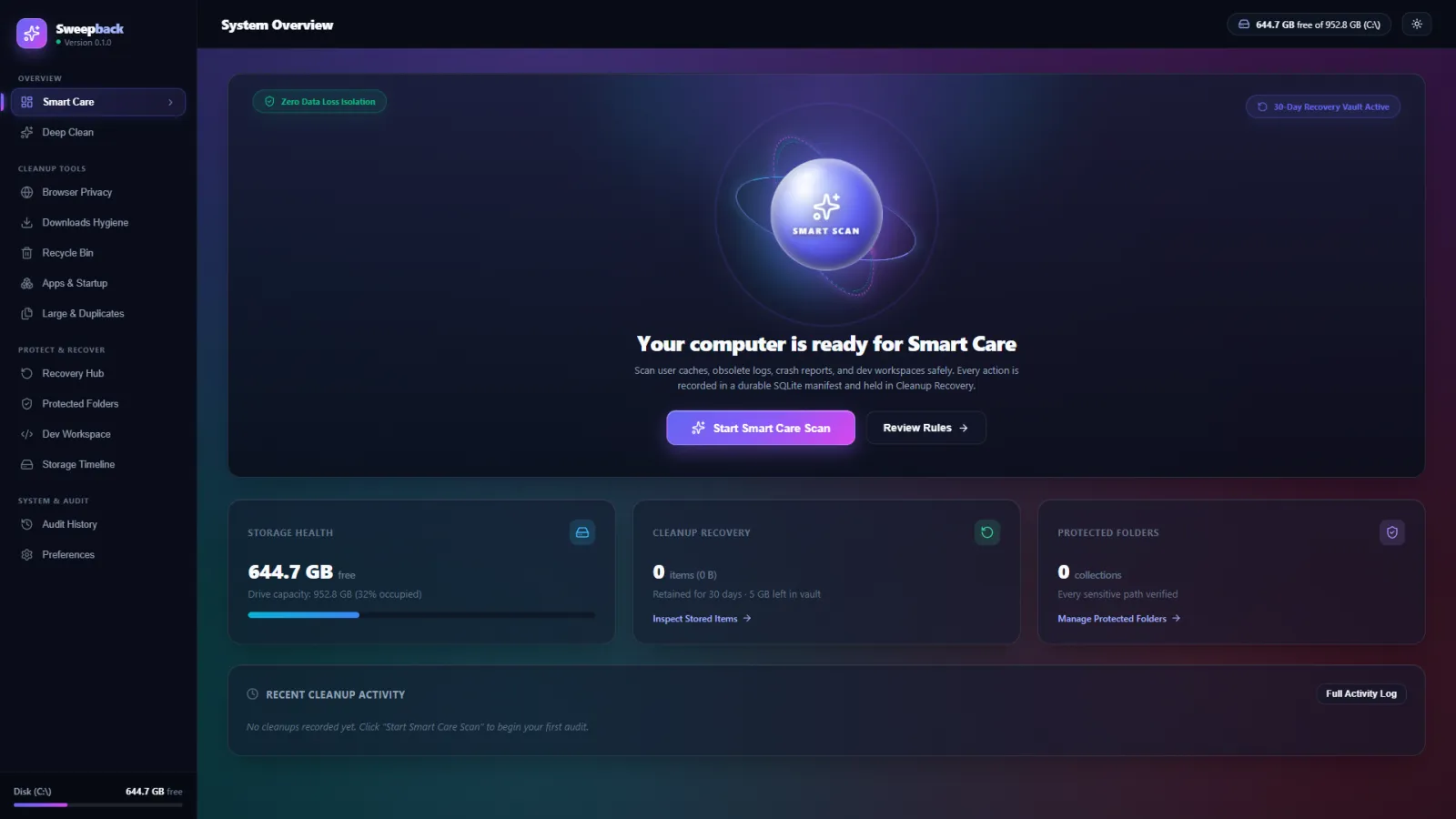
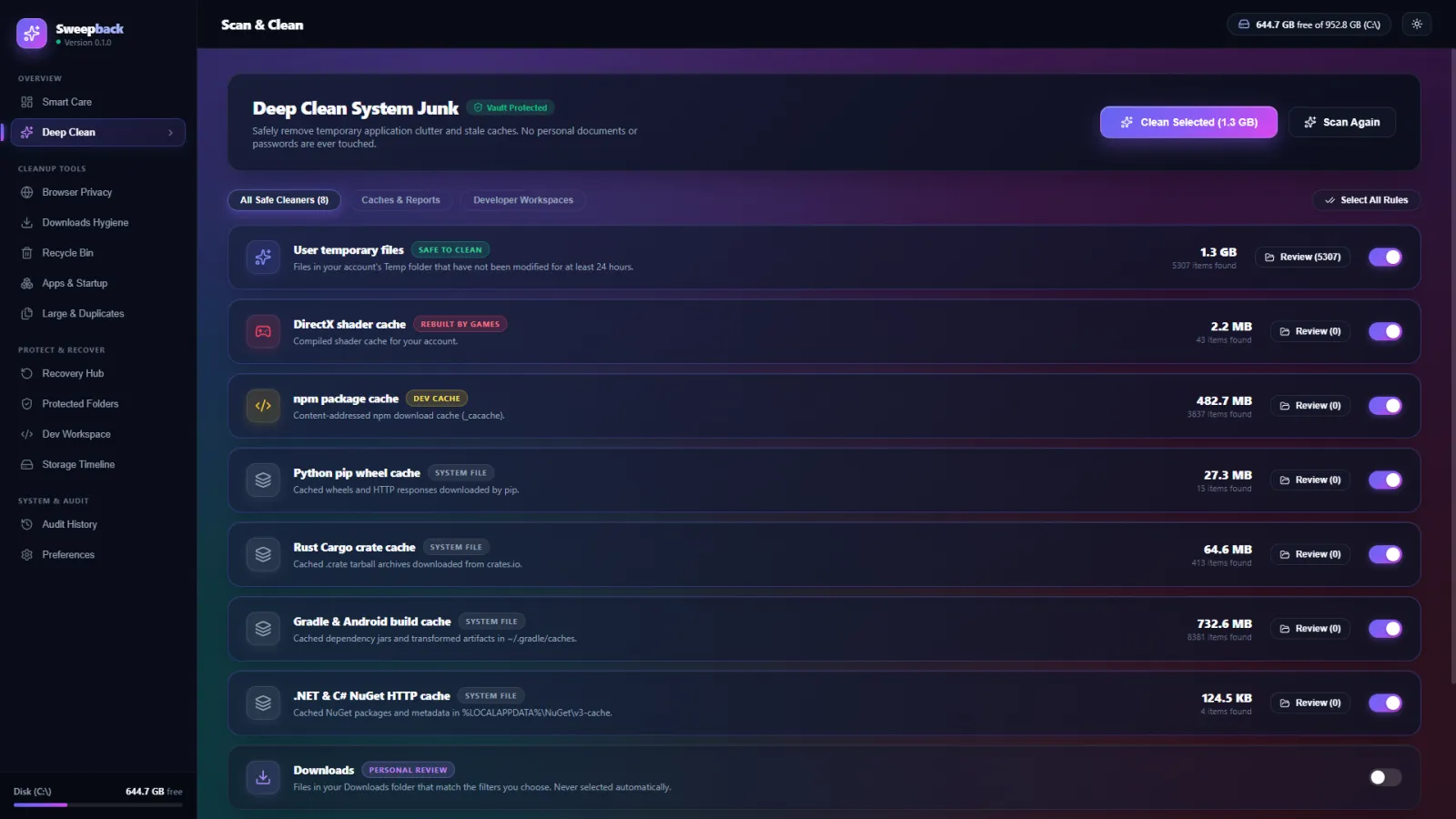
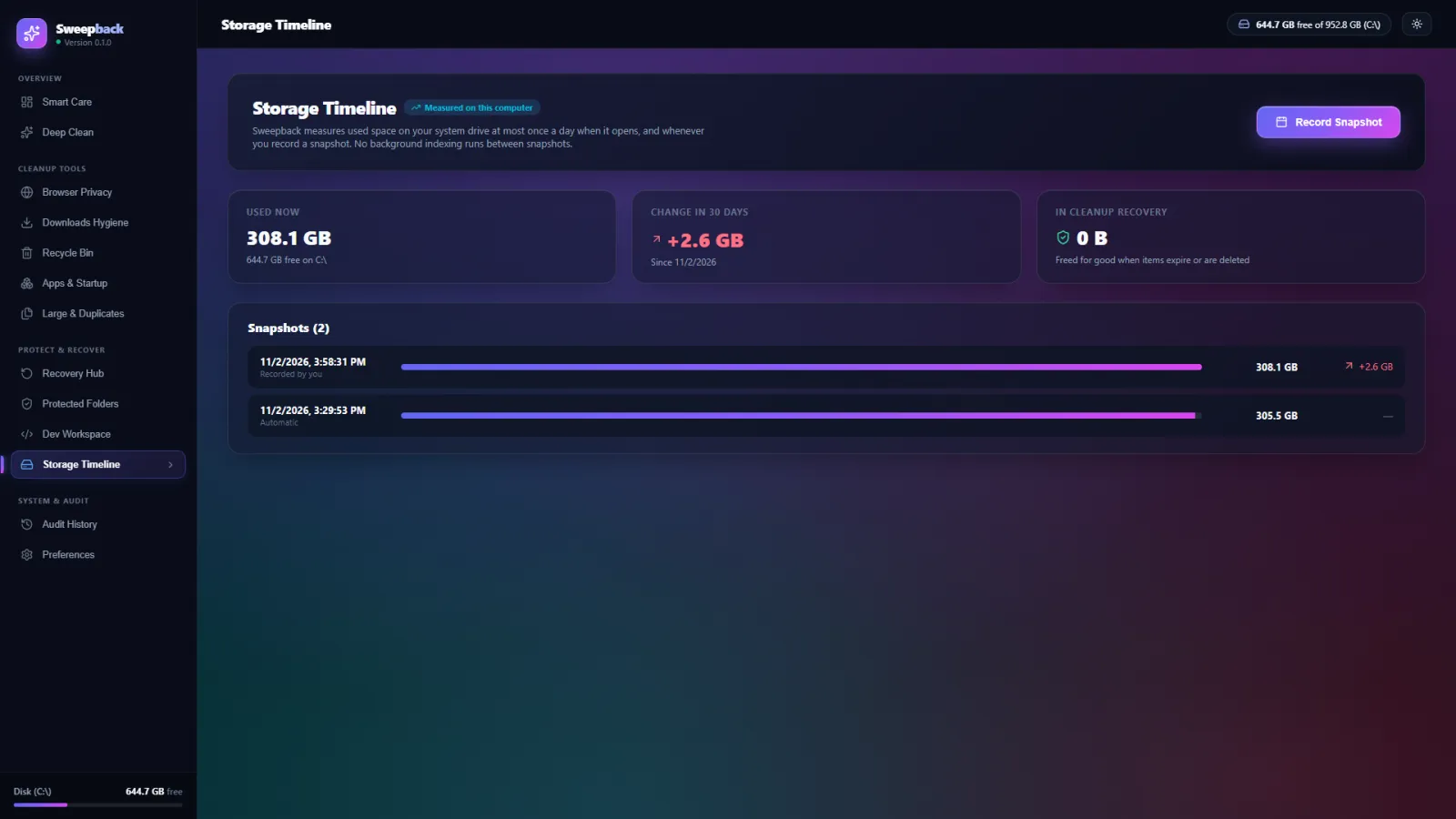
Sweepback finds temporary files, app and developer caches, browser caches, build output in your projects, and large or duplicate files. Nothing is deleted straight away: what you clean is moved into a local Cleanup Recovery vault on the same drive, checked with SHA-256, and can be restored to its original place until it expires.
Every cleanup starts with a read-only scan and an impact preview. Each item is checked again right before it is moved: links, junctions, files with several hard links, files open in another app, your Protected Collections and your exclusions are always skipped, and the result lists the reason for every skipped item.
Sweepback works offline. It has no accounts, analytics, ads or network requests; its settings, history and vault stay in its own data folder on your computer.
- Category
- App
- Platforms
- Windows, macOS
- Price
- $9.99 on the Microsoft Store, 7-day free trial
- Latest version
- 0.1.0
- Requirements
- Windows 10 or 11, 64-bit, with WebView2
- macOS 11 or later
Features
What Sweepback does.
Cleanup Recovery vault
Cleaned items are moved, not deleted, with their original path, size and SHA-256 checksum. Restore never overwrites a file.
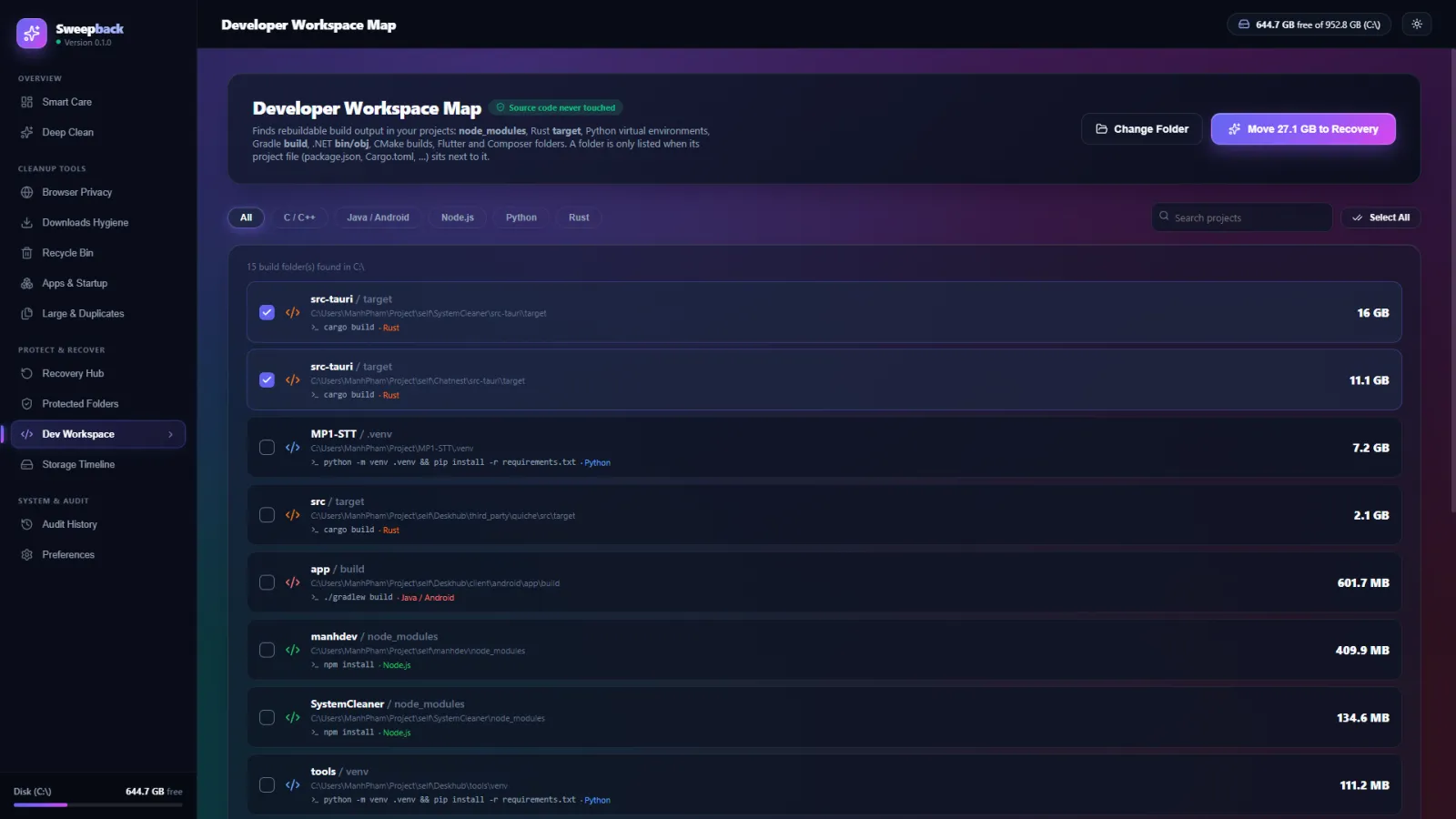
Developer Workspace Map
Finds rebuildable build output next to its project file: node_modules, Rust target, Python virtual environments, Gradle, .NET, CMake, Flutter and Composer.
Large & duplicate files
The biggest files in a folder you choose, and exact duplicates confirmed by SHA-256. The oldest copy is always kept.
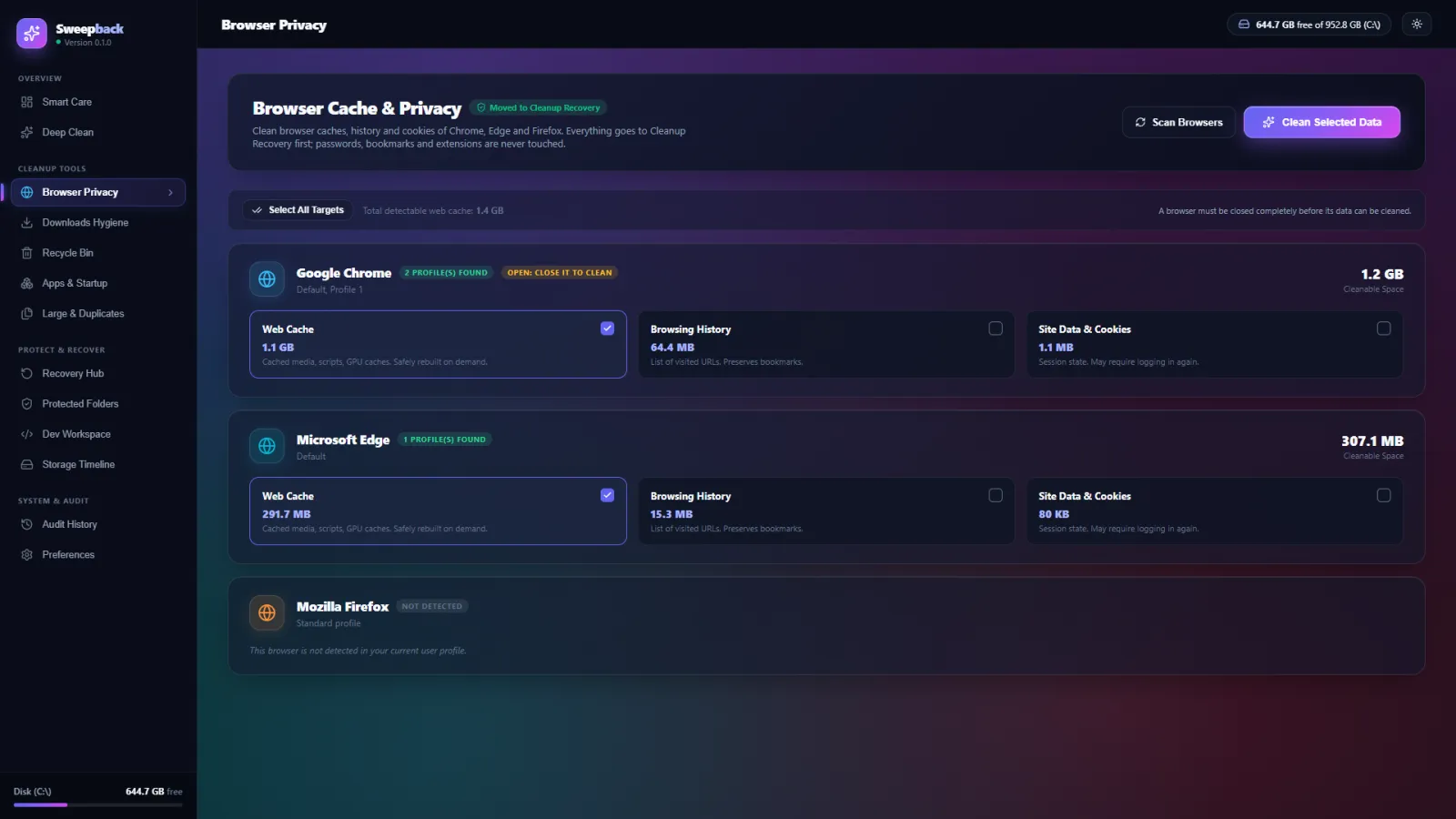
Browser caches
Cache, history and cookie files of Chrome, Edge and Firefox, while the browser is closed. Passwords, bookmarks and extensions are never touched.
Windows tools
Recycle Bin with restore, official uninstallers, startup apps on or off, and a scheduled scan that only reports.
Protected Collections
Folders you protect are never cleaned, even after they are renamed or moved on the same drive.
Screenshots
See it in action.
More from Bitfaring
Other apps.

Deskhub
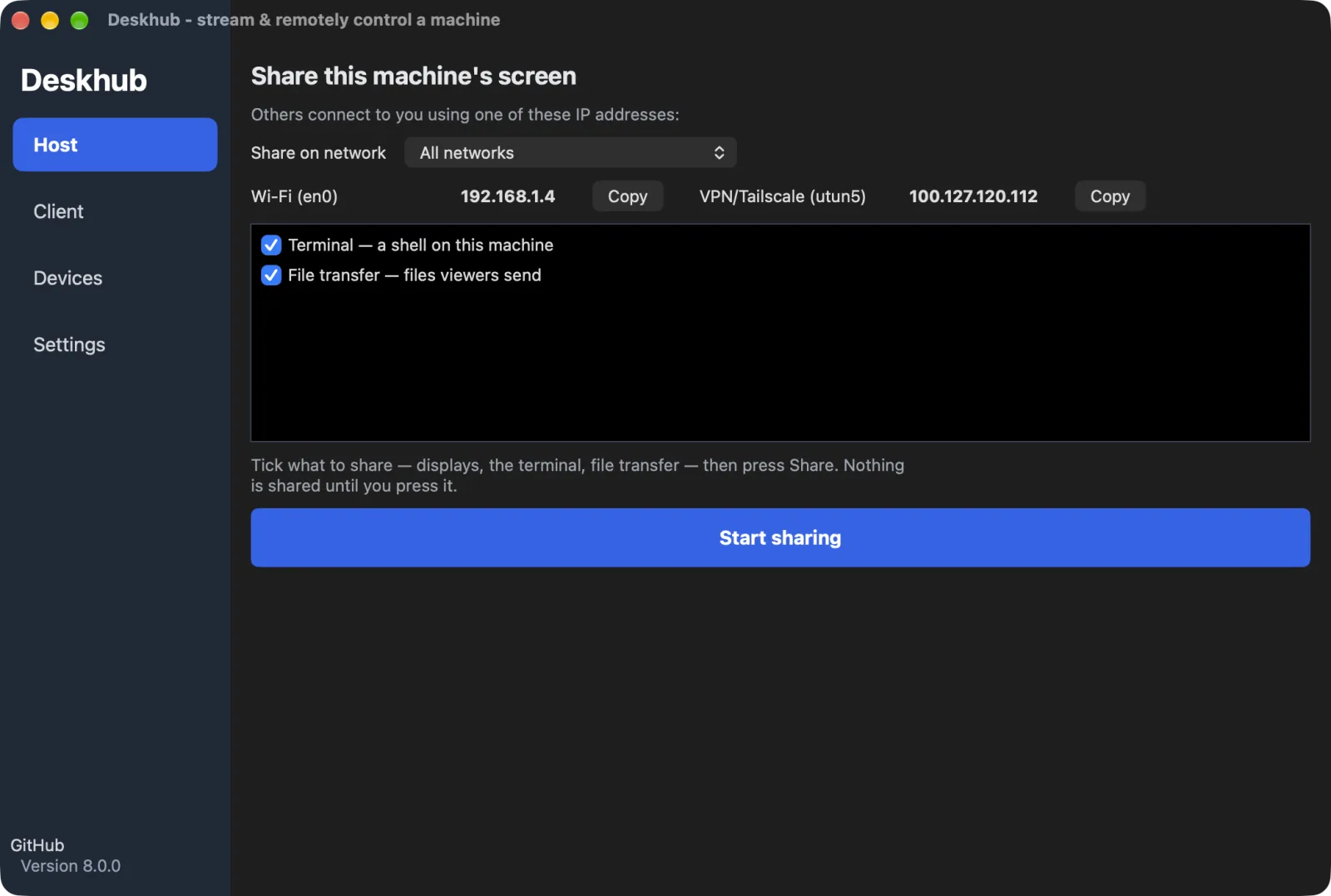
Open-source remote desktop for every platform you own.
Windows · macOS · Linux · Android · iOS
Learn more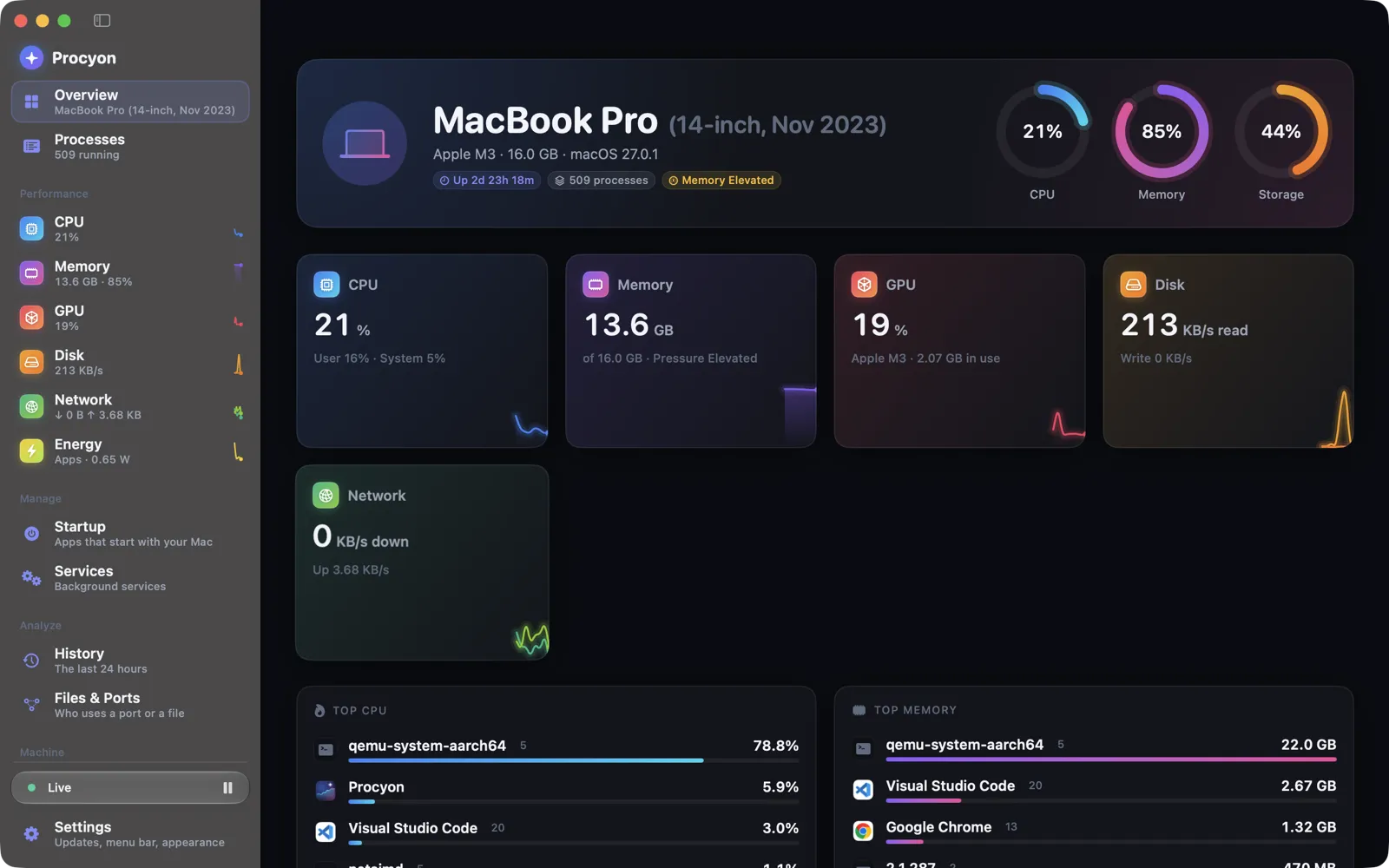
Procyon
A lightweight, open-source task manager for macOS, Windows and Linux.
macOS · Windows · Linux
Learn more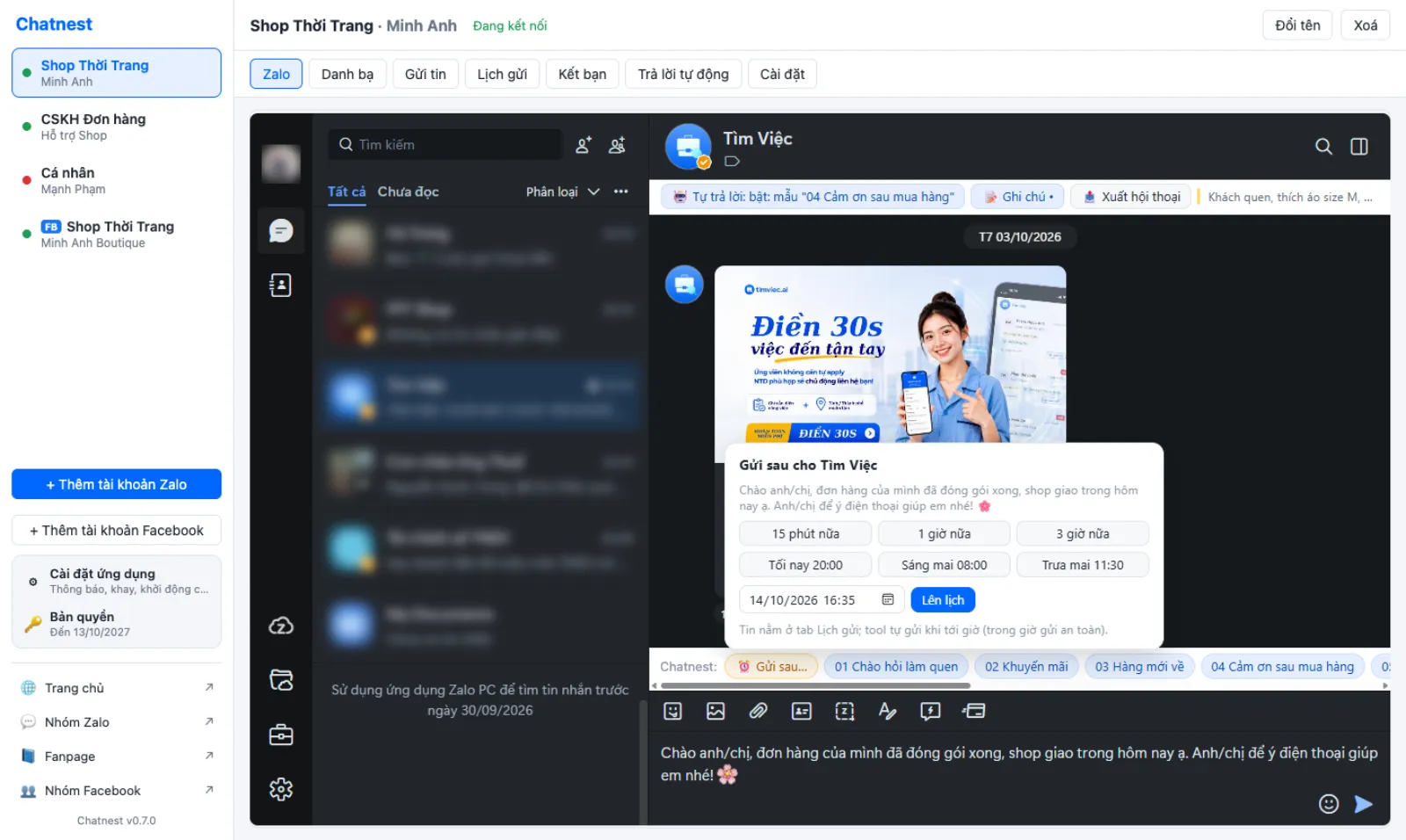
Chatnest
Zalo Web and Facebook in one window: quick replies, send-later, auto-reply, bulk sends and scheduled group posts.
Windows · macOS
Learn more