Chatnest
Zalo Web and Facebook in one window: quick replies, send-later, auto-reply, bulk sends and scheduled group posts.
About Chatnest
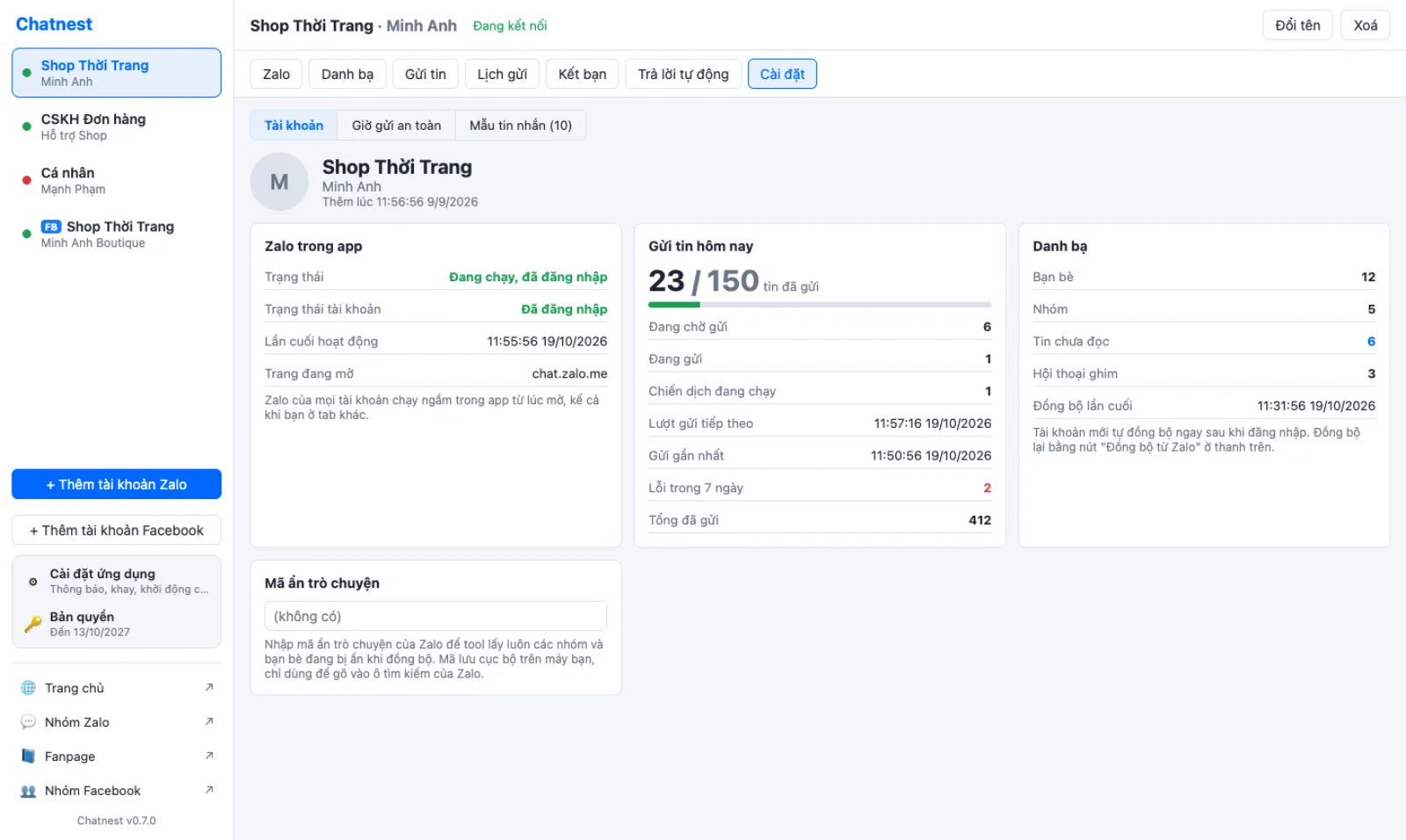
Chatnest is a Windows and macOS app that puts Zalo Web inside one window and adds what a shop needs around it. Sign in by scanning the QR code once, as in a browser; the session is kept. Each account you add gets its own isolated profile, you switch between them from the sidebar, and every account keeps running in the background, so schedules and auto-replies work even while you are on another tab. Nothing goes through a third-party API.
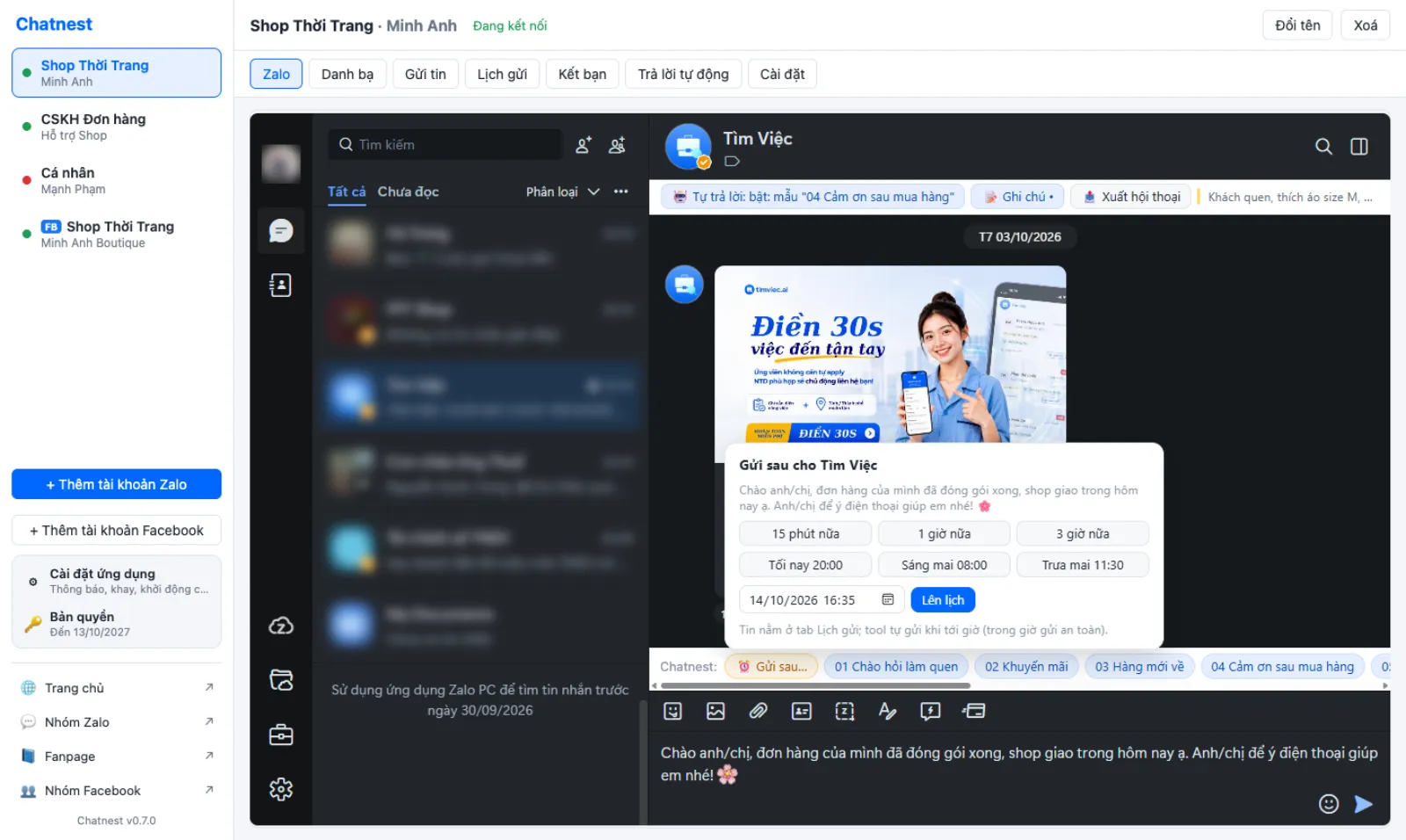
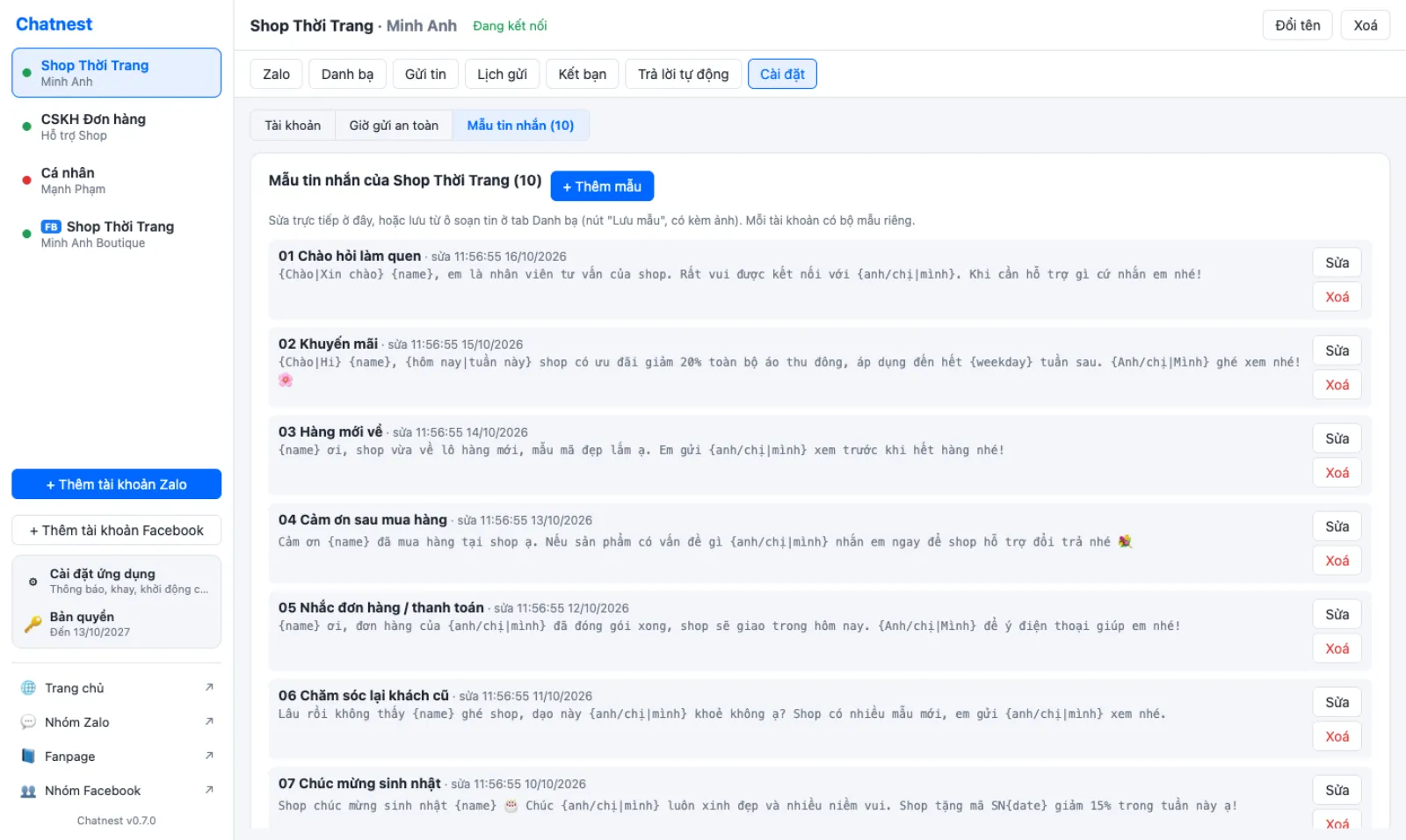
The Zalo tab is the real Zalo, with Chatnest's tools inside it. A bar above the composer lists your templates: one click fills a message for the open conversation, with {name} already replaced. Send later takes what you have typed and schedules it. Under the chat header you get an auto-reply switch for that conversation, a private customer note that saves itself, a one-click export, and the labels and do-not-send mark from your contact list.
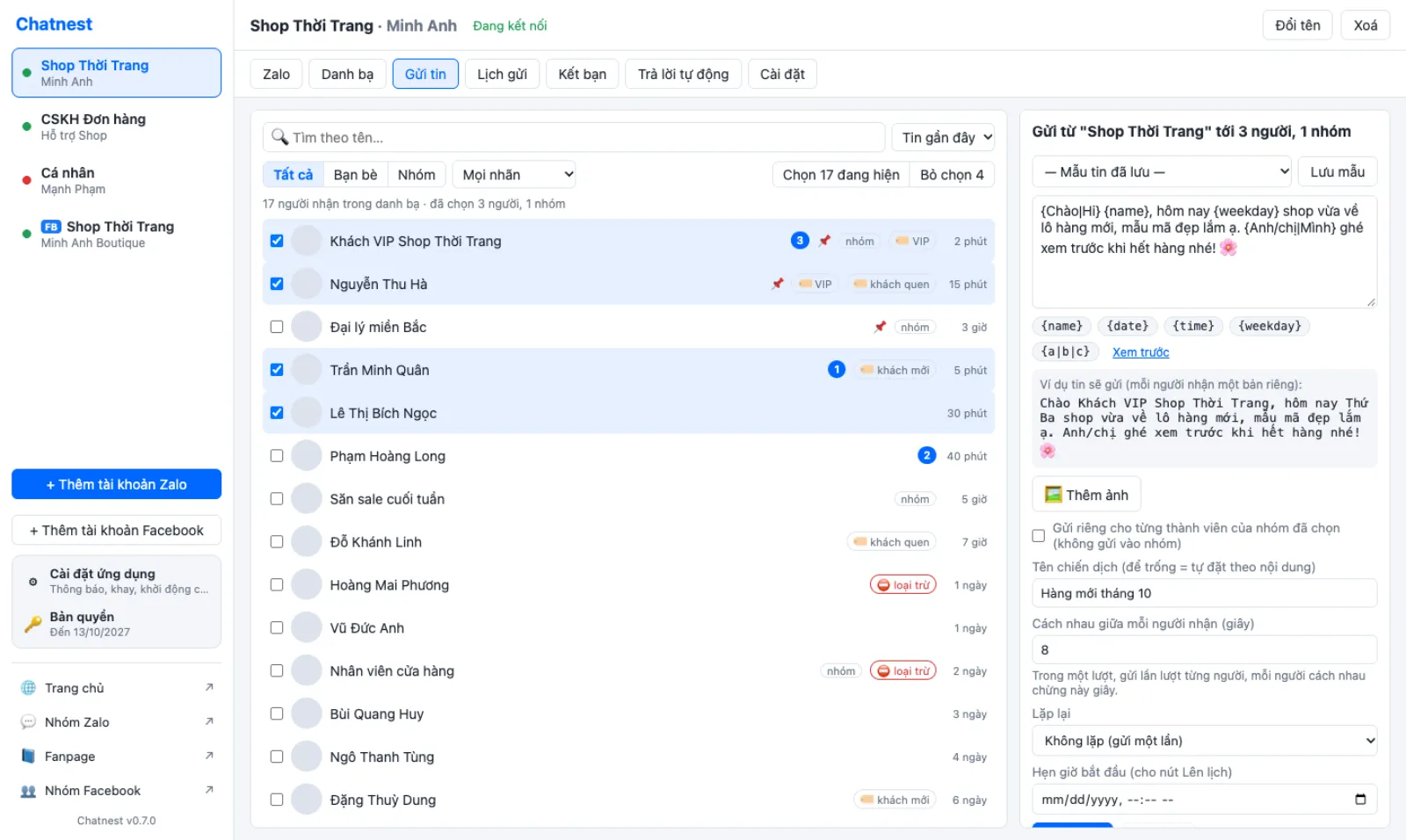
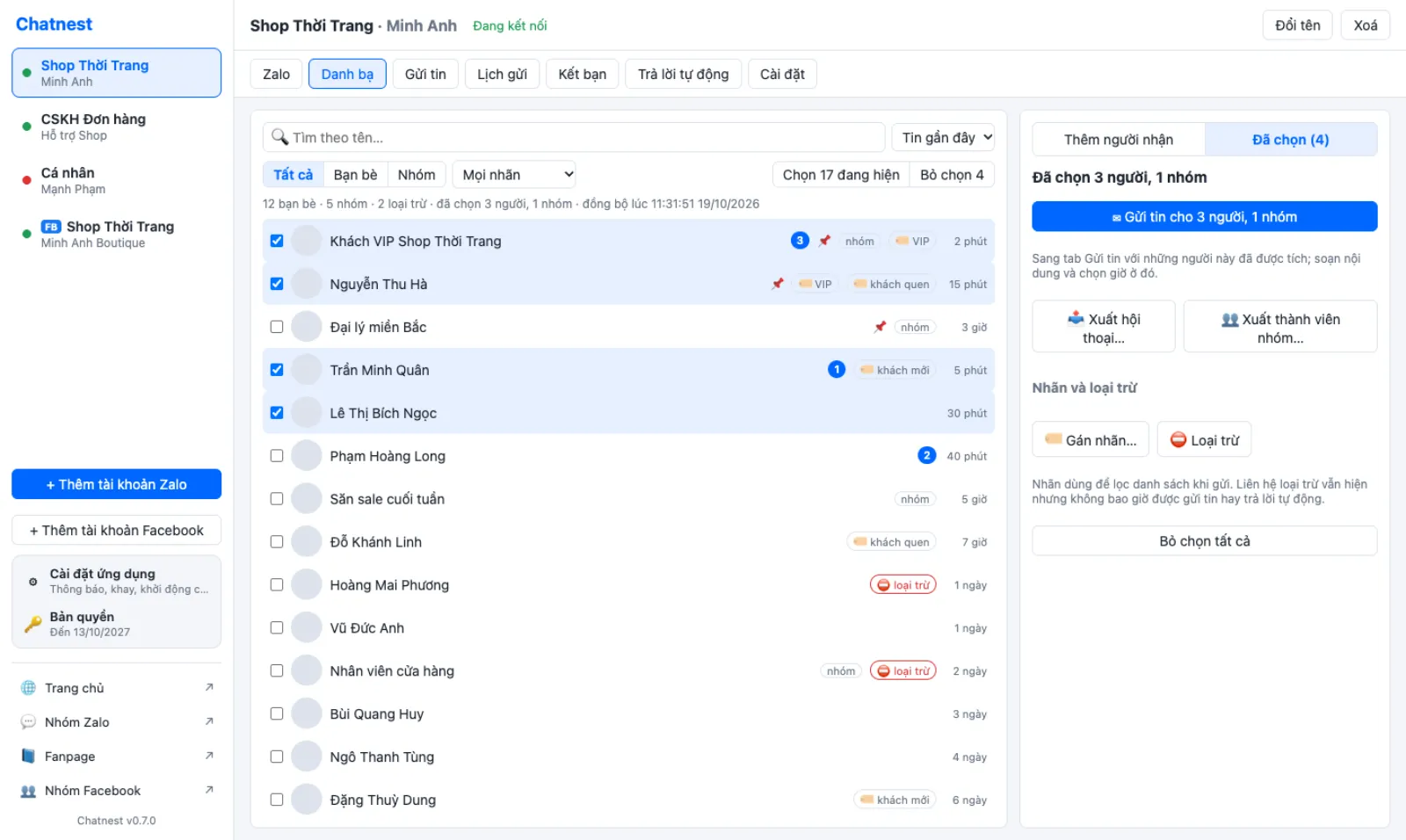
The Contacts tab reads your friends and groups, hidden chats included, with labels and an exclusion list; members and phone numbers can be added from CSV files. The Send tab is where you tick recipients, write once with variables, attach photos, then send now or schedule: once, daily, on chosen weekdays or monthly. Every send is a campaign with a progress bar, retry for failures and cancel for what is pending.
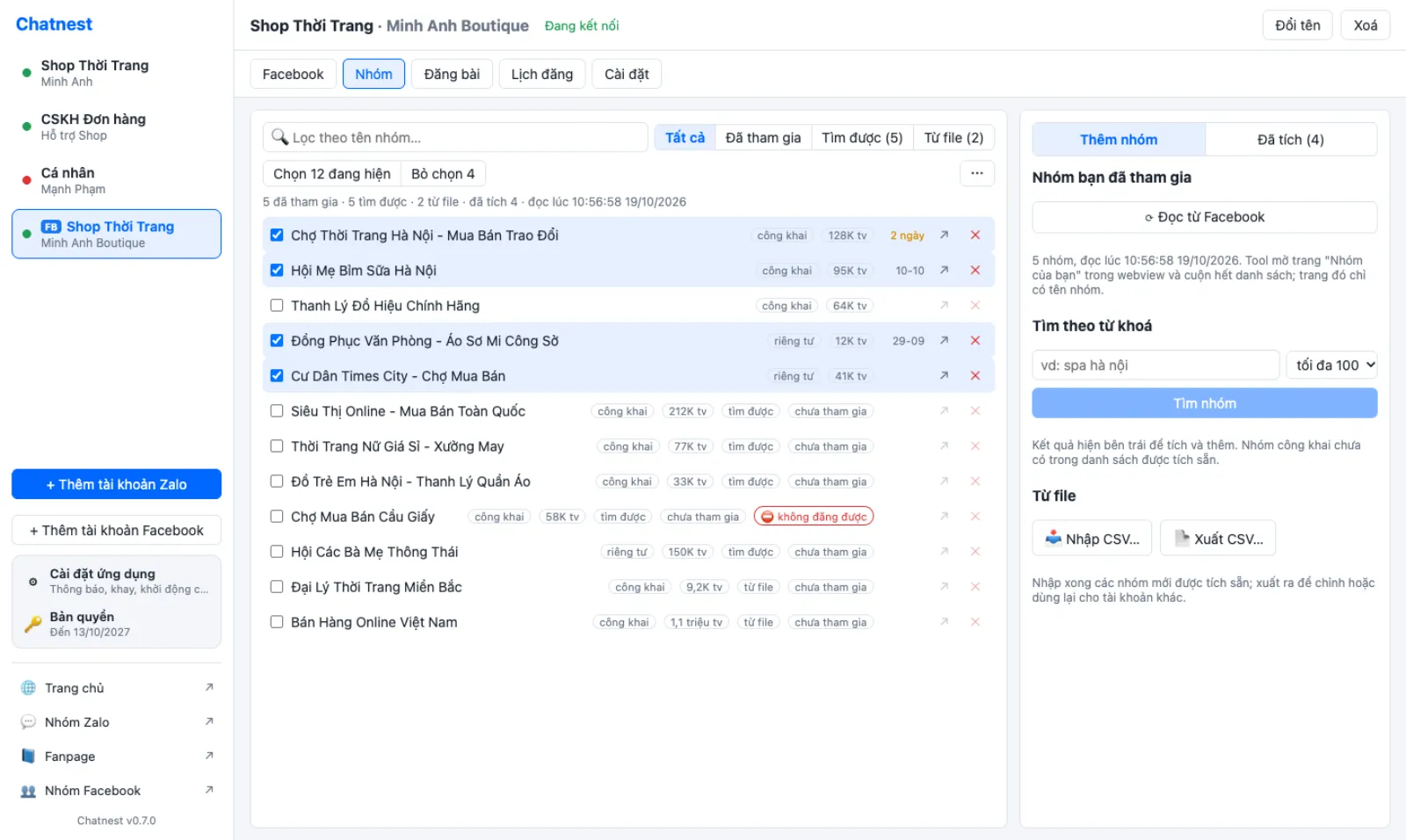
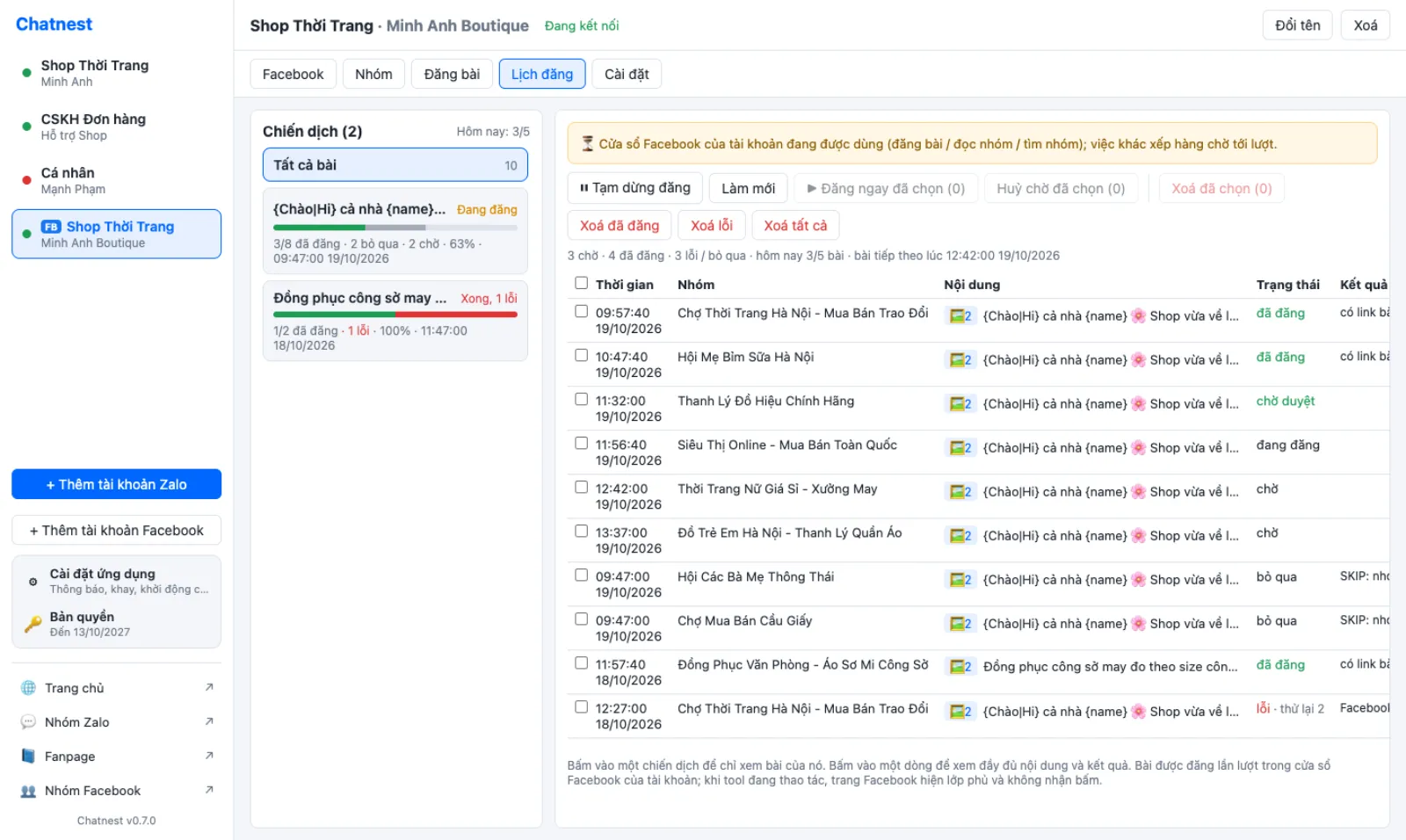
Facebook accounts work the same way: sign in once inside the app, and Chatnest reads the groups you are in, finds more by keyword, or takes a CSV list. Write one post with photos and post now or on a schedule: each group gets its own post, spaced minutes apart, within a daily cap and quiet hours.
The app is activated per computer with a code tied to its Machine ID, valid until the date you buy. Short-term trial codes are available on request.
- Category
- App
- Platforms
- Windows, macOS
- Price
- Paid · activation code per computer · short-term trial codes on request
- Latest version
- 0.7.3
- Requirements
- Windows 10 or 11, 64-bit, with the WebView2 runtime (installed by the setup if missing)
- macOS 14 Sonoma or later, Apple silicon or Intel
Features
What Chatnest does.
One window, every account
Zalo Web runs inside the app. Add each account once, scan the QR, switch from the sidebar; all accounts keep working in the background.
Quick replies in the chat
Your templates sit above the composer: one click fills the message for the open conversation, {name} and spintax already applied.
Send later
Type a message, pick 15 minutes, tonight, tomorrow morning or any time, and Chatnest sends it from the schedule.
Per-conversation controls
Switch auto-reply on or off for one chat, keep a private customer note, export the chat, see its labels.
Bulk sends and schedules
Tick friends and groups, write once with variables and photos, send now or repeat daily, weekly or monthly.
Facebook group posting
Read or search your groups, write once and post now or on a schedule, spaced out and capped per day.
Phone numbers and friend requests
Send to a CSV of phone numbers, and send friend requests from member lists or numbers, paced per day.
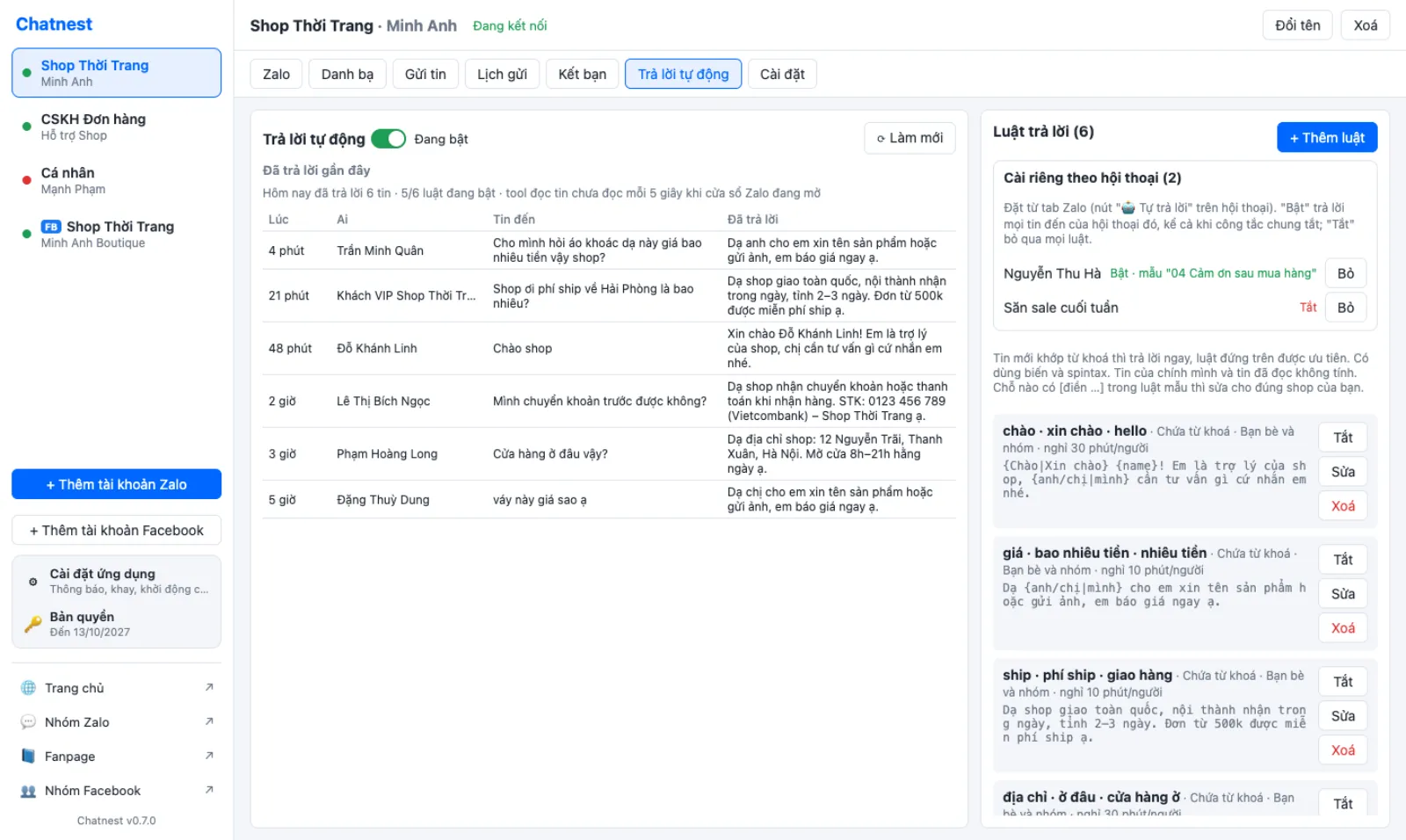
Keyword auto-reply
Answer incoming messages that match your keywords, with a cooldown per contact and a log of what was sent.
Safe sending
Quiet hours, daily caps and an exclusion list per account; an overlay blocks stray clicks while the tool works.
Screenshots
See it in action.
More from Bitfaring
Other apps.
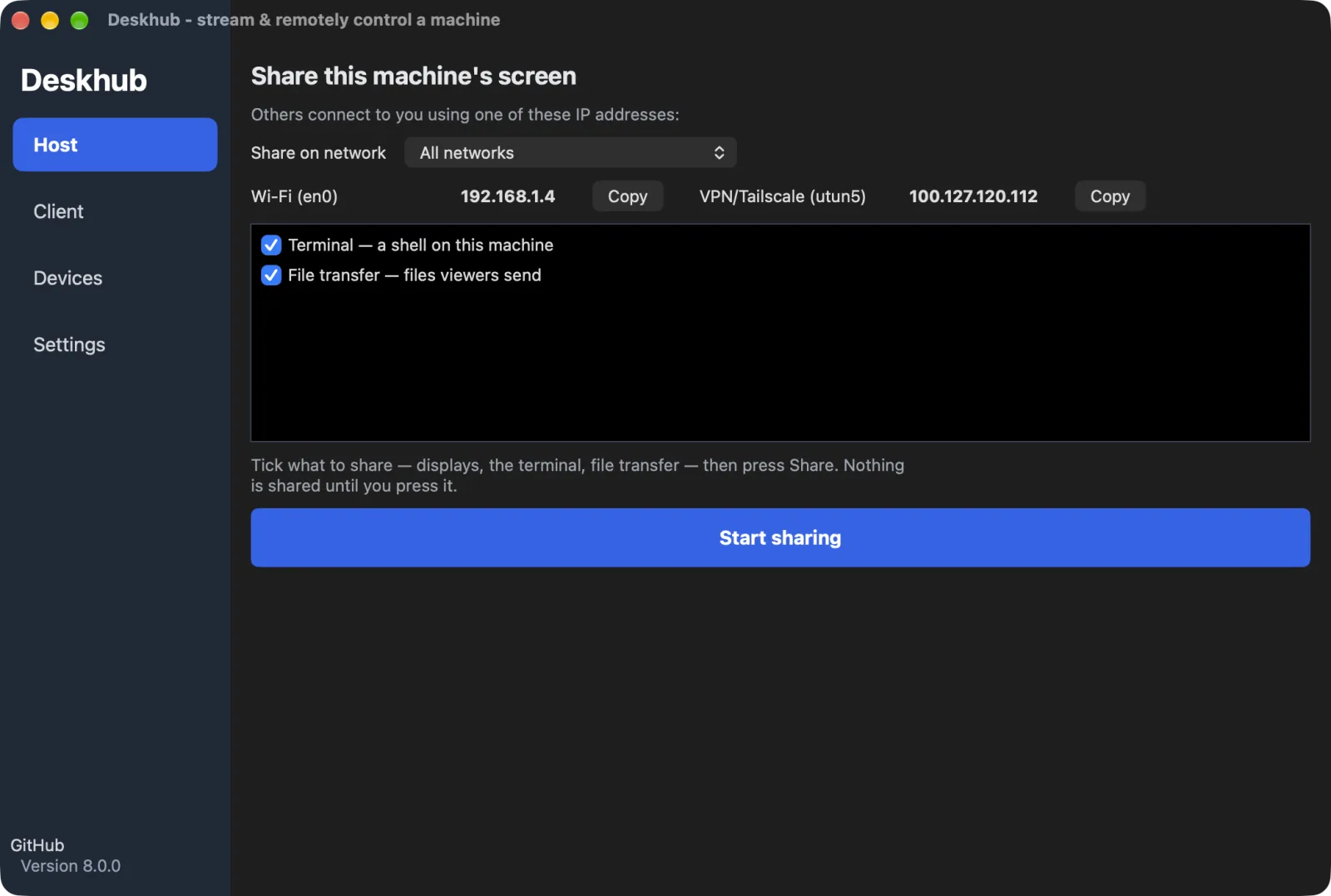

Deskhub
Open-source remote desktop for every platform you own.
Windows · macOS · Linux · Android · iOS
Learn more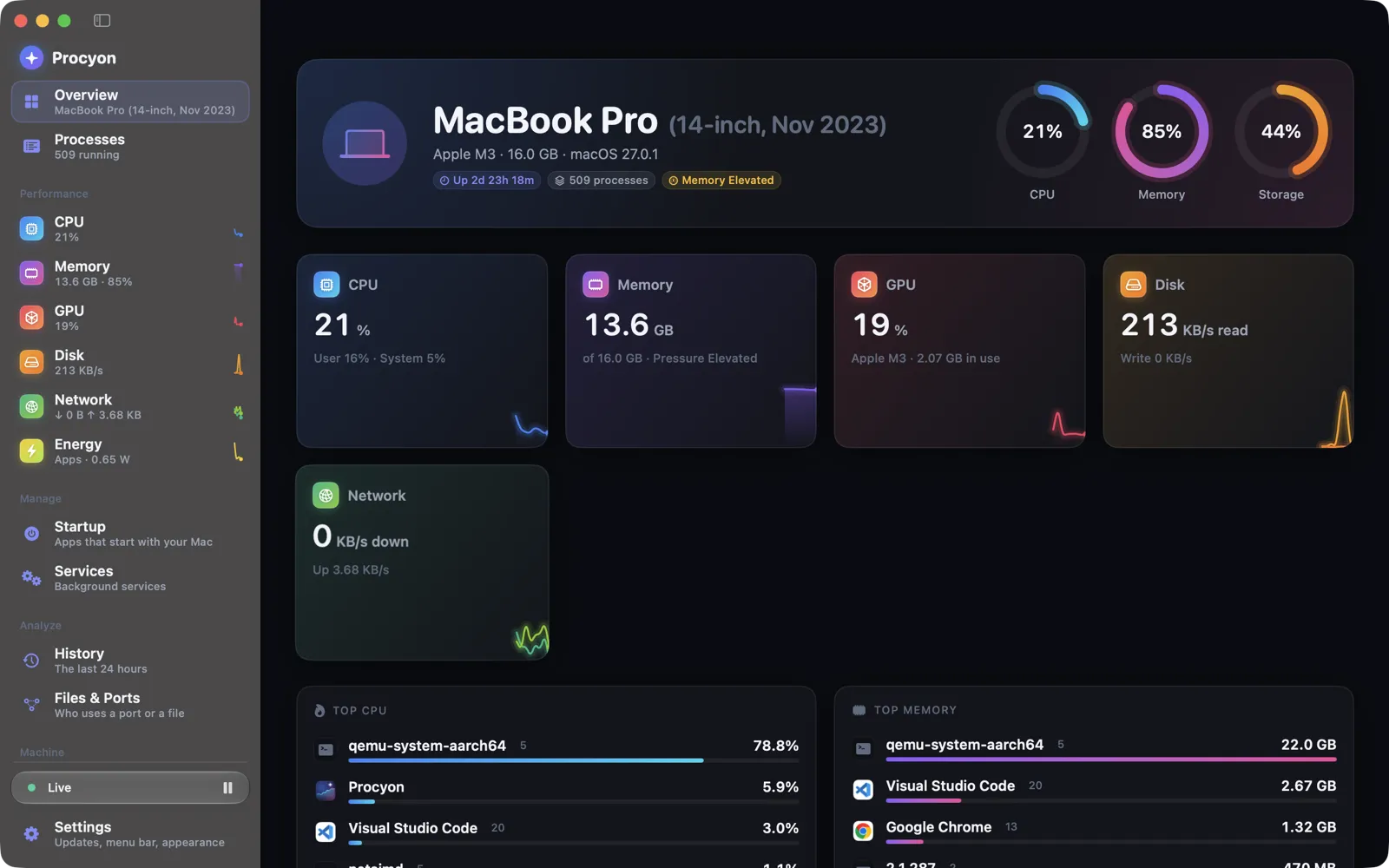

Procyon
A lightweight, open-source task manager for macOS, Windows and Linux.
macOS · Windows · Linux
Learn more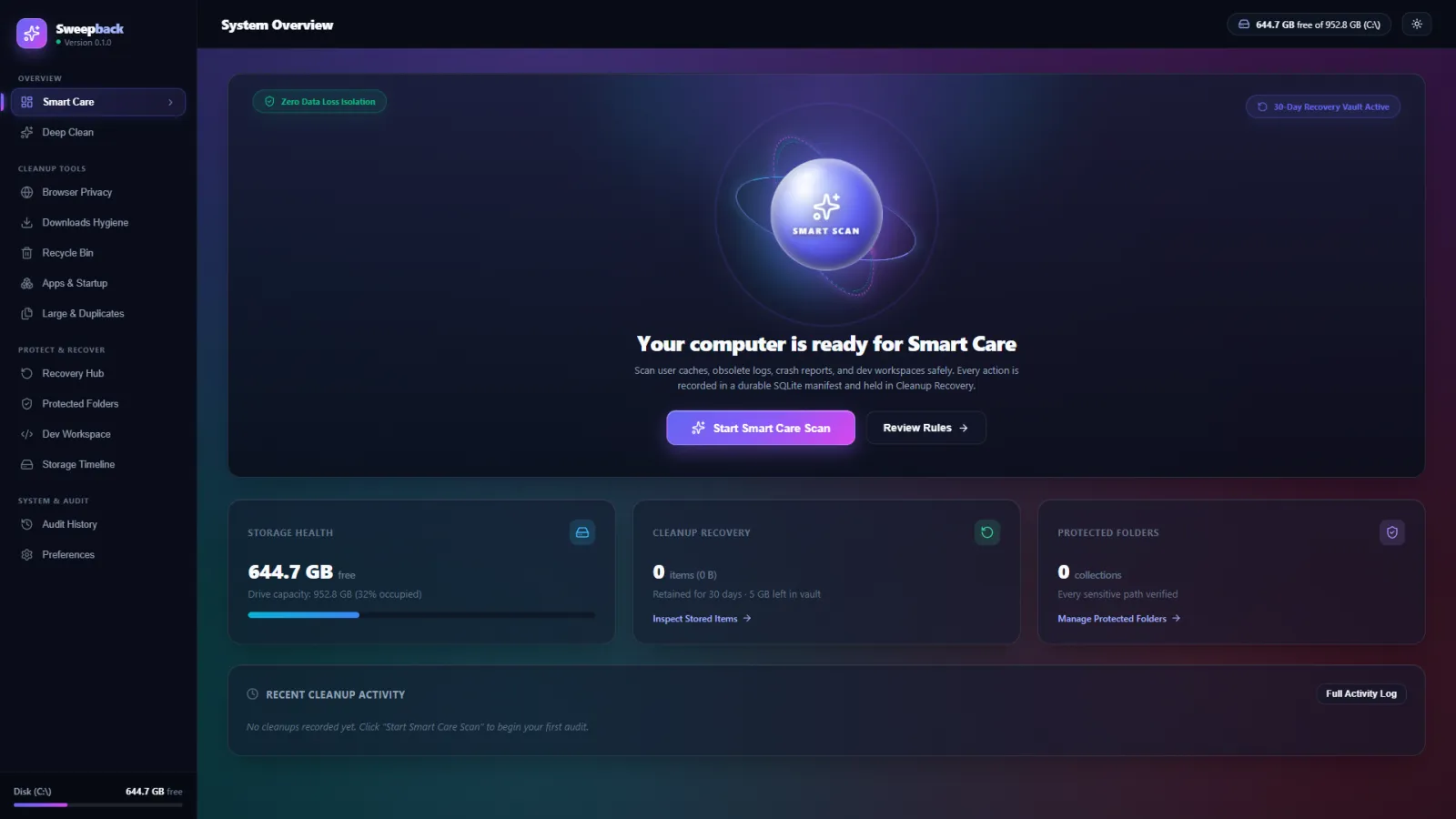 Coming soon
Sweepback
Clean up disk space on Windows and macOS, and undo any cleanup from a built-in recovery vault.
Windows · macOS
Learn more