
Procyon
A lightweight, open-source task manager for macOS, Windows and Linux.
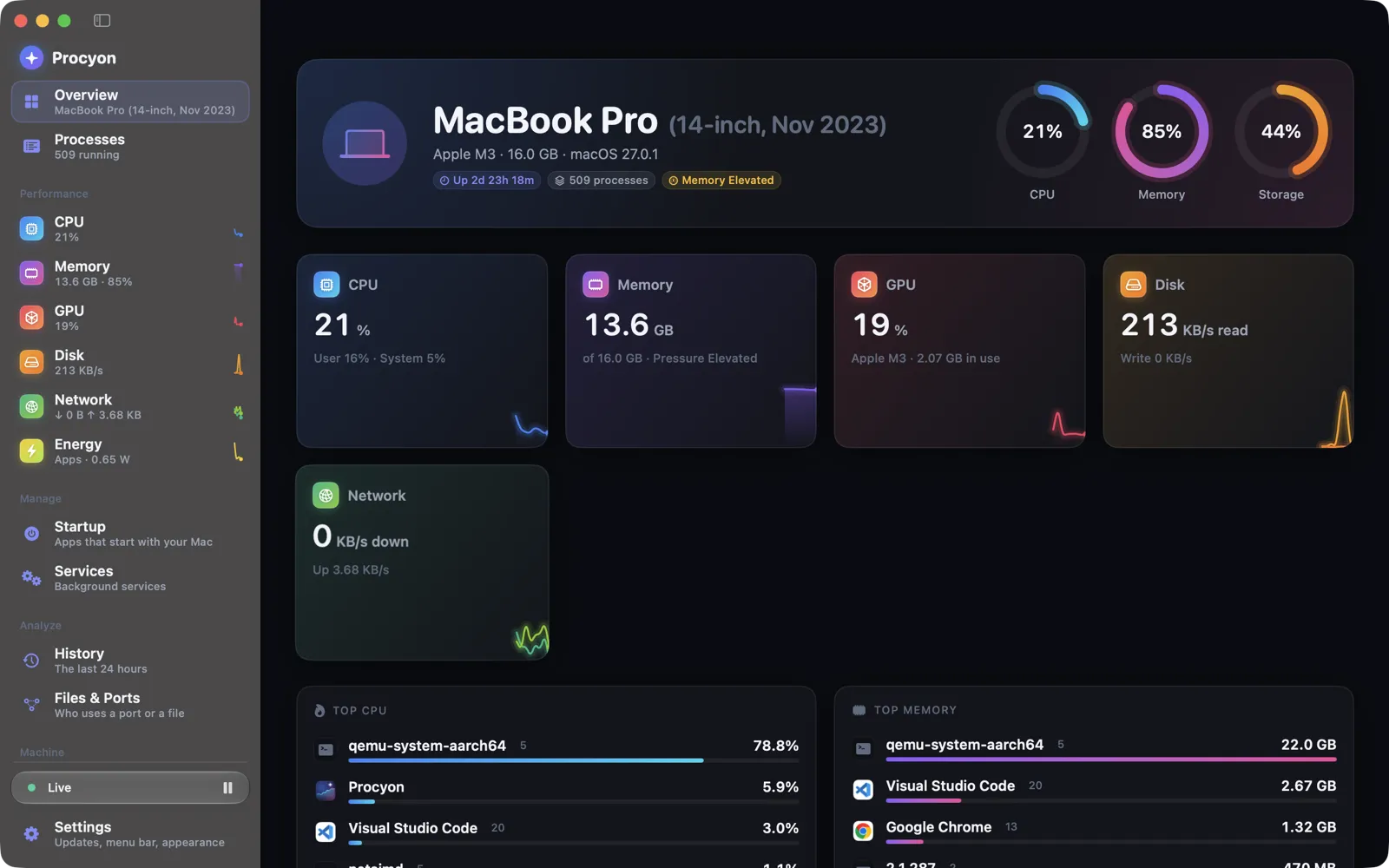
About Procyon
See what is using your CPU, memory, disk, network, GPU and battery, find out what a process is, and stop the ones you don't need.
The macOS app is complete; the Windows app is new and covers the same screens: processes, performance, GPU, battery, startup, services, history, alerts and Files & Ports. The Linux app (GTK 4) is newer still and shares the Windows app's screens.
Procyon is light on resources: sampling uses about 0.5% of one core.
- Category
- App
- Platforms
- macOS, Windows, Linux
- Price
- Free
- License
- Open source
- Requirements
- macOS 14 Sonoma or later, Apple silicon or Intel
- Windows 10 version 1809 or later, or Windows 11, 64-bit
- Linux with GTK 4.12 or later and systemd, x86-64
Features
What Procyon does.
Processes
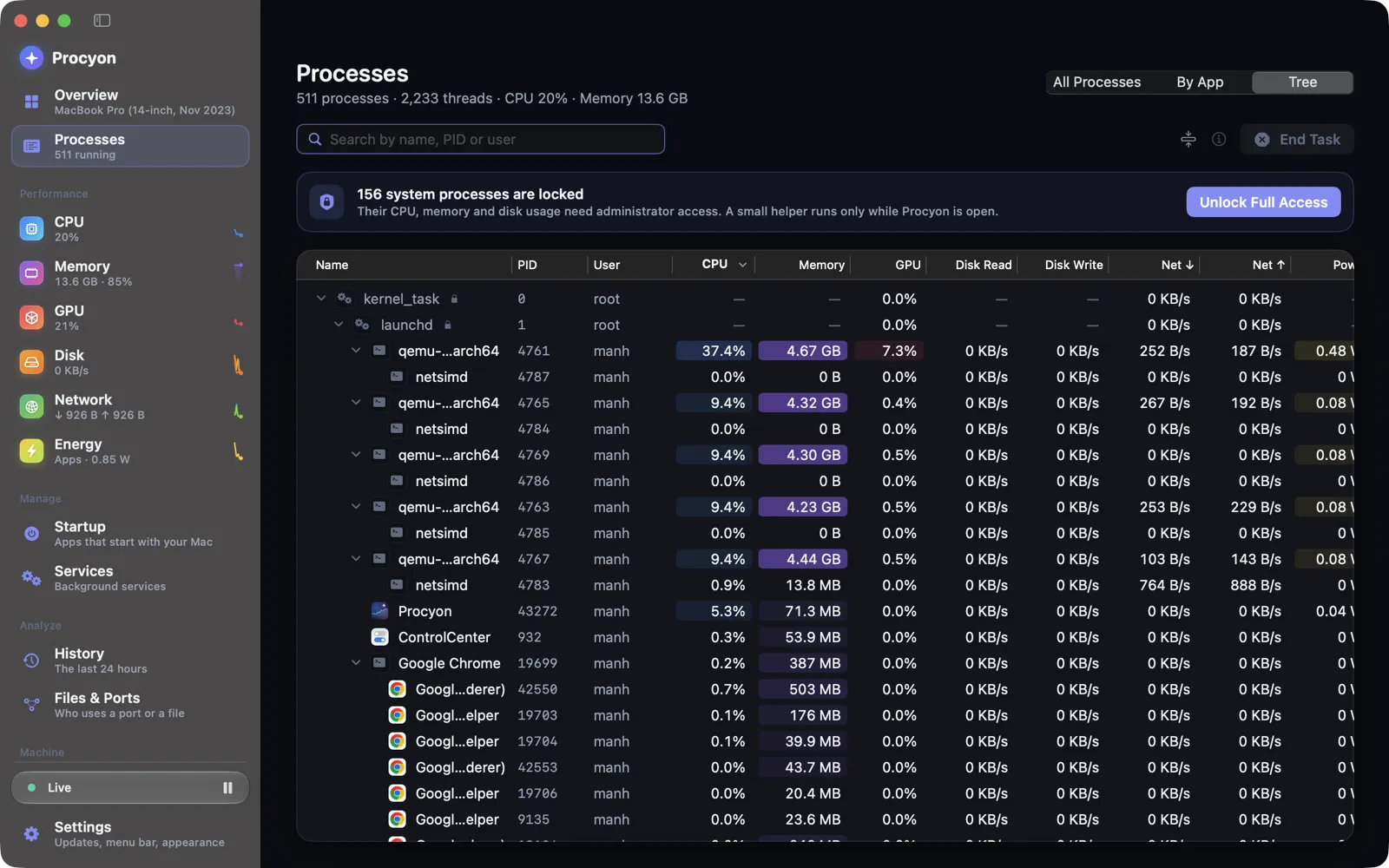
Every process with CPU, memory, disk, network, GPU and power, as a list, by app or as a tree. Search, sort, end, force quit, suspend, change priority.
Live charts
CPU in total and per core, memory and swap, disk, network, GPU and temperatures.
Startup and services
Login items, launch agents and daemons: turn them on or off, start, stop and restart them.
Energy and battery
Power use per app, battery health and cycles, and which apps keep your Mac awake.
24-hour history
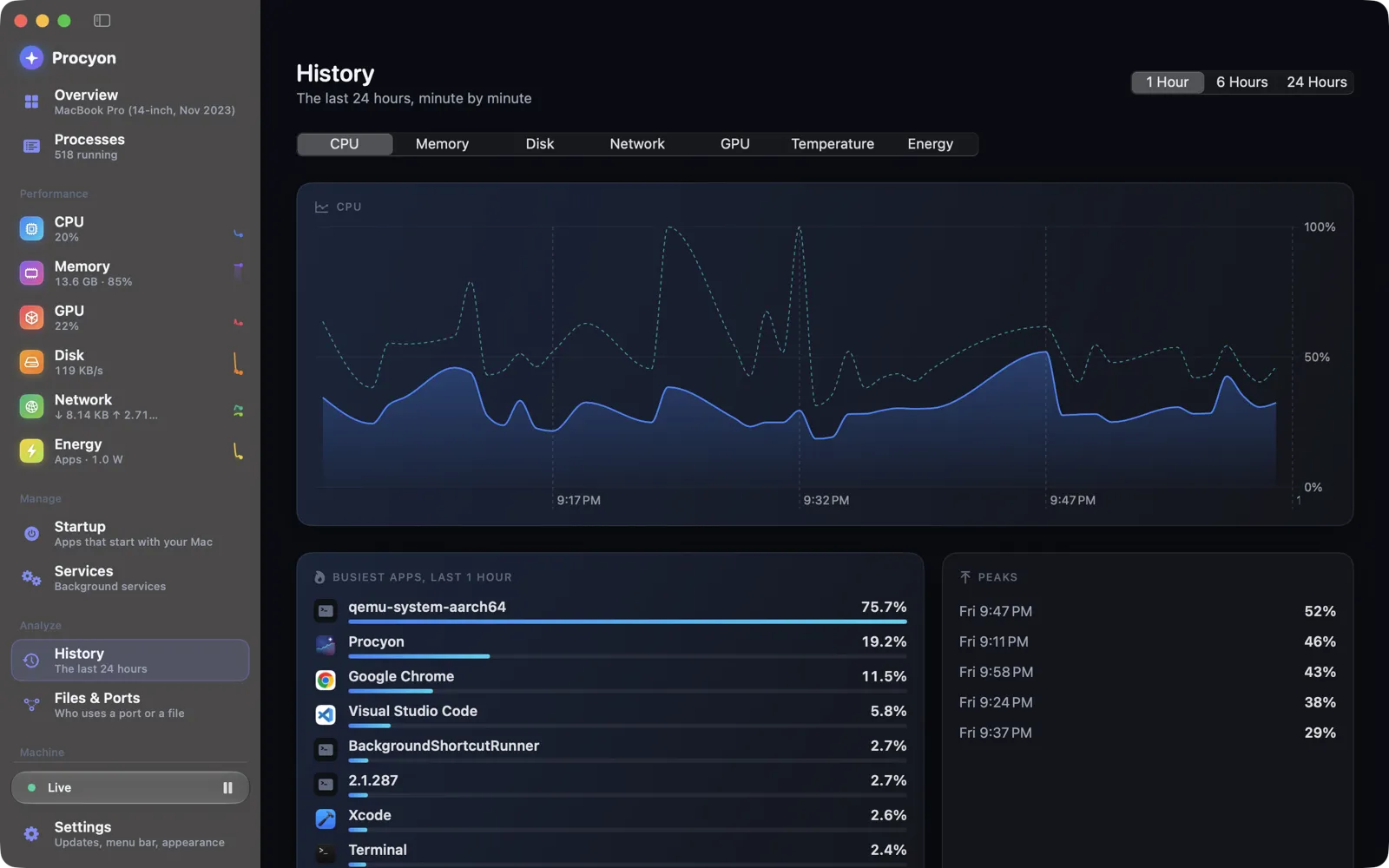
The last 24 hours of every metric. Click a spike to see which apps caused it.
Files & Ports
Listening ports, network connections, open files, and Who Is Using for a file or disk.
Plain language
Explanations for about 110 common macOS processes: what each one is, and whether it is safe to end.
Made to stay open
A menu bar widget, alerts with your own thresholds, a ⌘K command palette, and light and dark mode.
Screenshots
See it in action.
More from Bitfaring
Other apps.
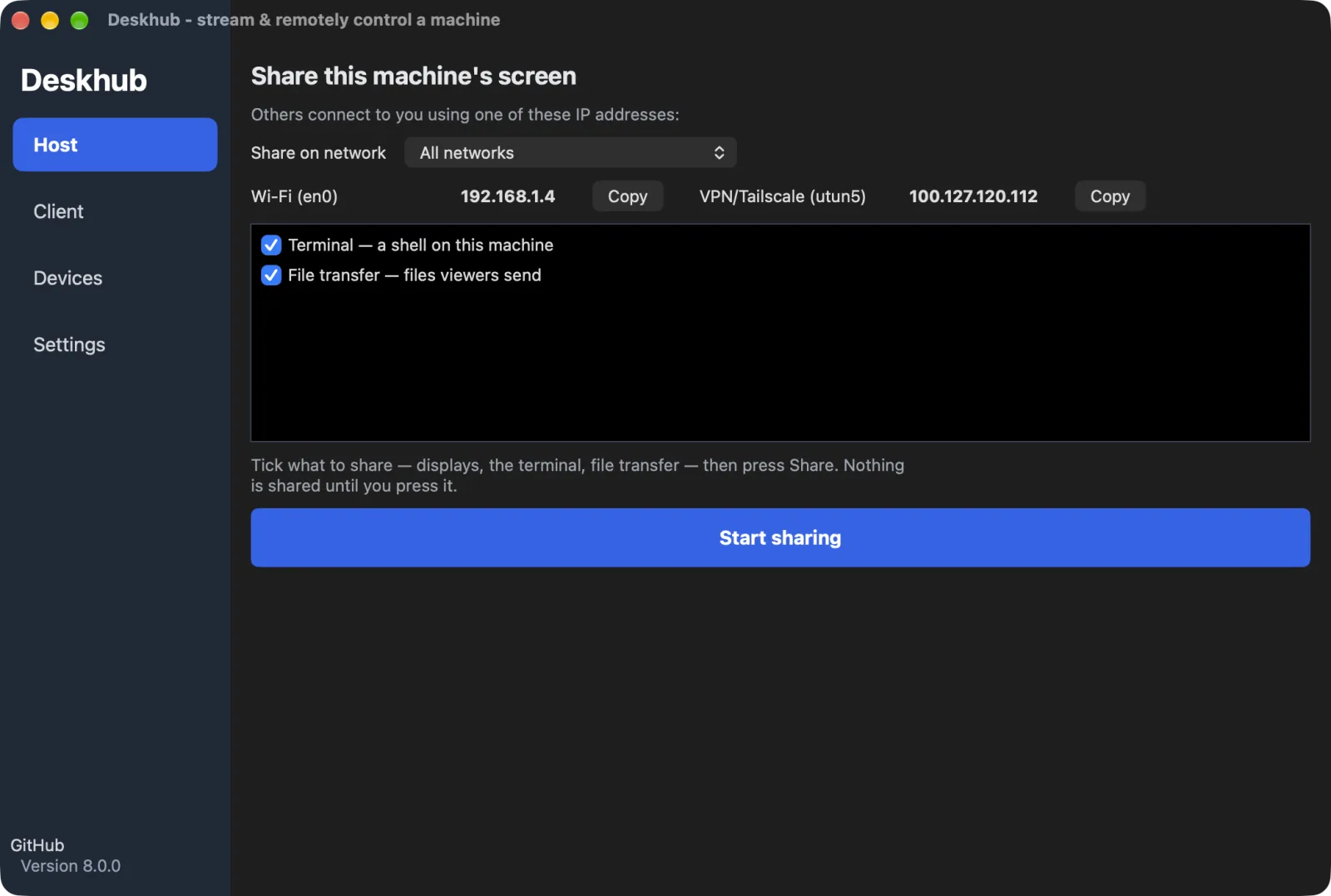

Deskhub
Open-source remote desktop for every platform you own.
Windows · macOS · Linux · Android · iOS
Learn more
Chatnest
Zalo Web and Facebook in one window: quick replies, send-later, auto-reply, bulk sends and scheduled group posts.
Windows · macOS
Learn more Coming soon
Sweepback
Clean up disk space on Windows and macOS, and undo any cleanup from a built-in recovery vault.
Windows · macOS
Learn more