
Deskhub
Open-source remote desktop for every platform you own.
About Deskhub
Deskhub lets you view and control your computer from another device. It is open source, runs natively across five platforms, and is built for responsive work and play.
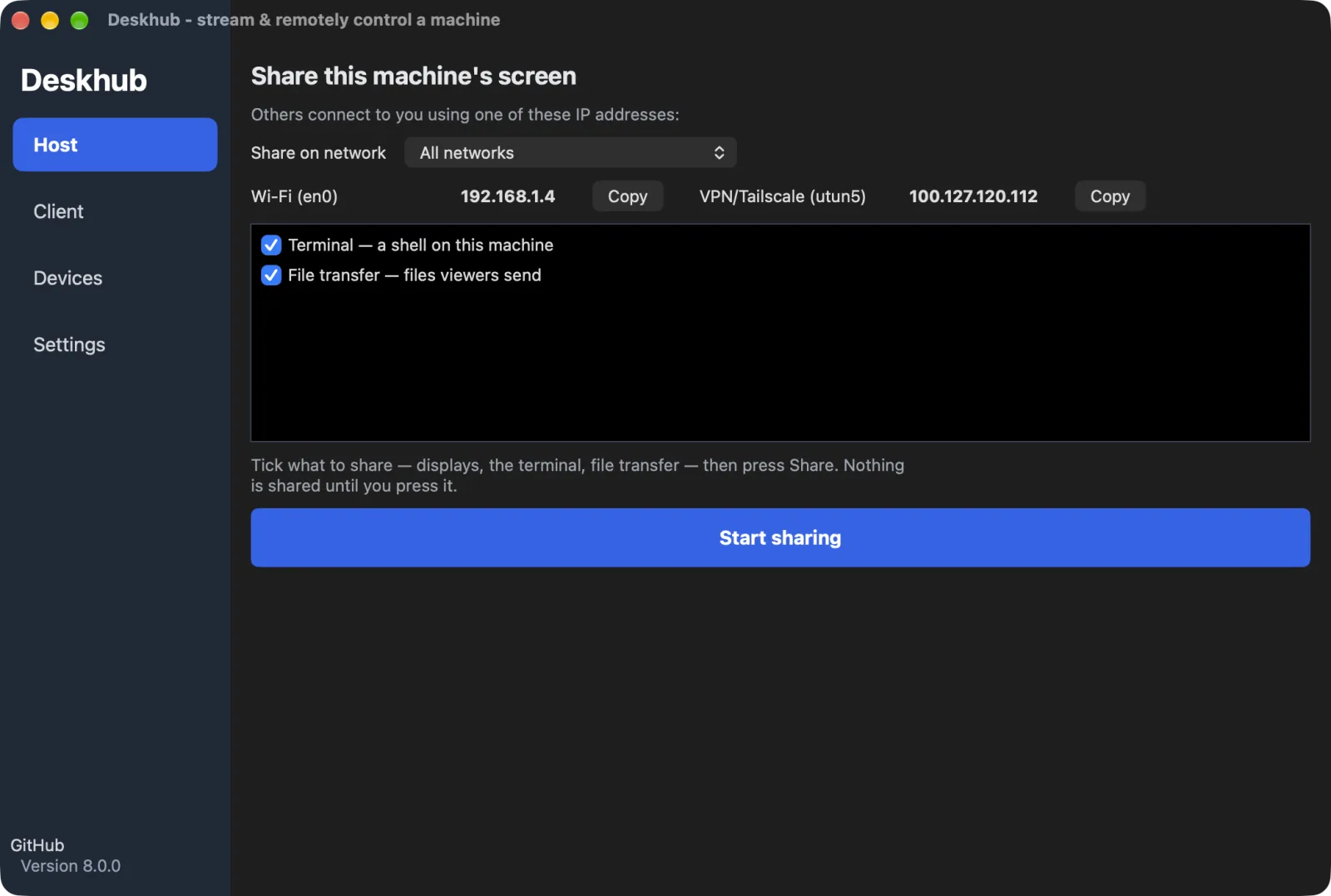
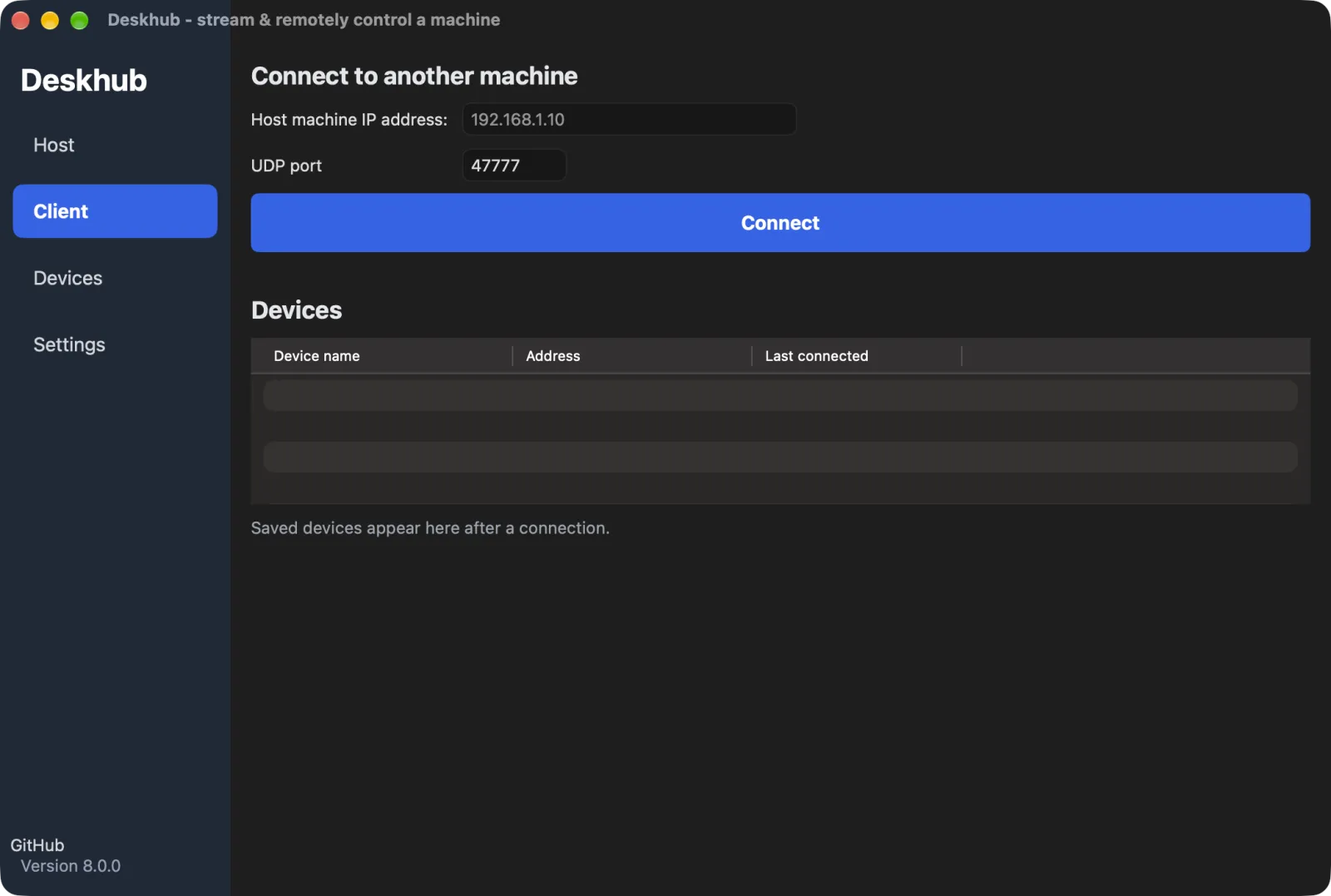
Share a screen on one device, then connect from another using its IP address. The same four pages, Host, Client, Devices and Settings, appear on every platform, so the controls stay familiar as you move between a Mac, PC, phone or tablet. A shared C++20 core handles the protocol across all five platforms.
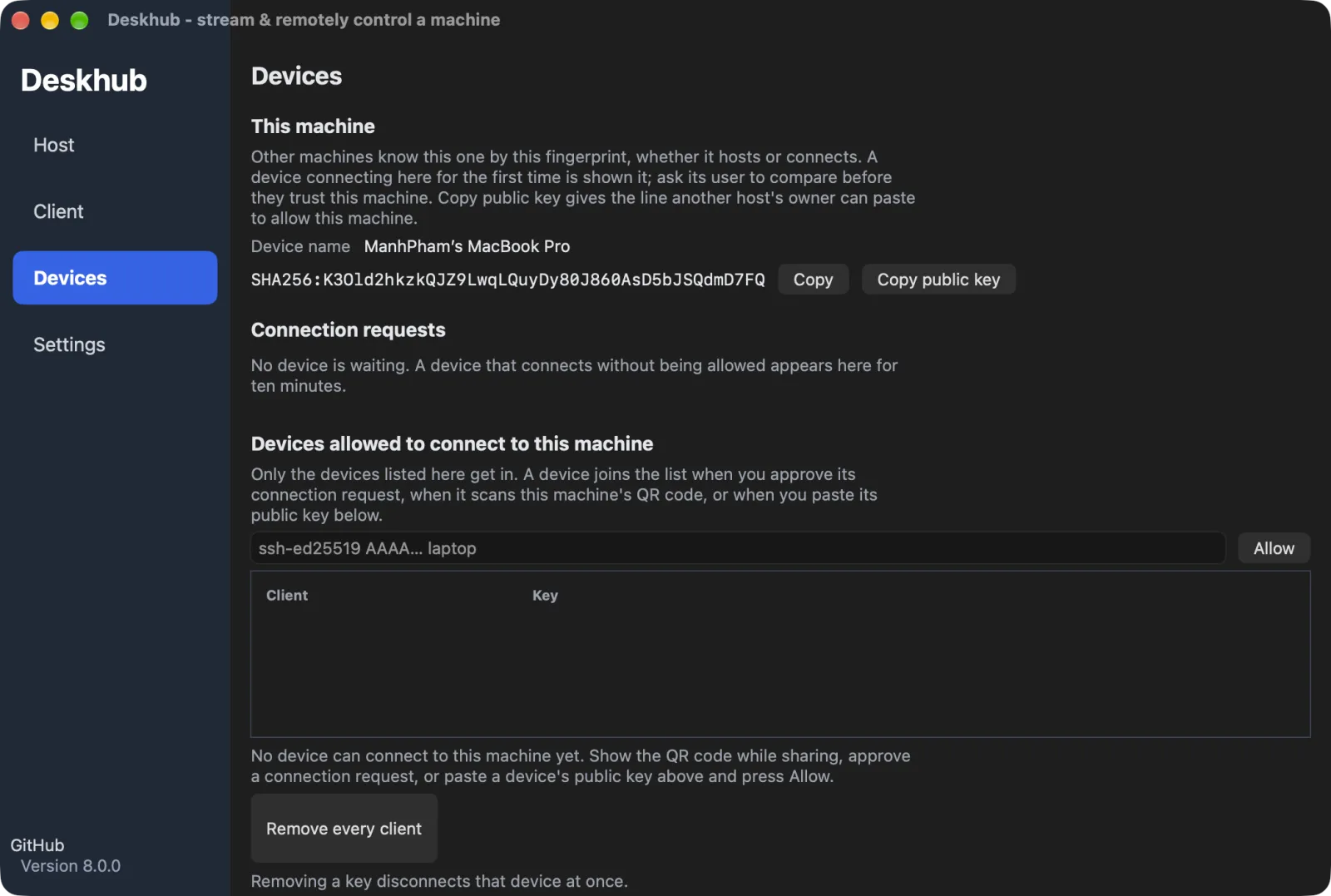
Sessions are encrypted end to end over QUIC/TLS, and access works like SSH: every machine has one key, and a client gets in only if the host's owner has let that key in, by approving its connection request, by showing it a QR code while sharing, or by pasting its public key. No passcode, no discovery, no account. Use a network you trust or a VPN.
- Category
- App
- Platforms
- Windows, macOS, Linux, Android, iOS
- Price
- Free
- License
- Open source · MIT
- Requirements
- Windows 10 or 11
- macOS
- Ubuntu, Debian, Mint, Fedora or openSUSE
- Android 10 or later (Google Play)
- iOS (TestFlight beta)
Features
What Deskhub does.
Up to 240 fps
Streams at 60 fps by default, up to 240 fps on supported hardware, through a GPU video path.
Purpose-built protocol
QUIC with forward error correction, retransmission and adaptive bitrate on one encrypted connection.
Sound comes with the screen
The machine's own audio mix, encoded with Opus.
More than a screen
A remote shell, files sent to any host, clipboard sync both ways, and keep-awake during a session.
Real input
Scancodes for DirectInput games; the host's own mouse and keyboard always win.
Command line
deskhub-cli shares a screen, opens a shell, sends files and manages keys, from a script or over SSH.
Screenshots
See it in action.
More from Bitfaring
Other apps.
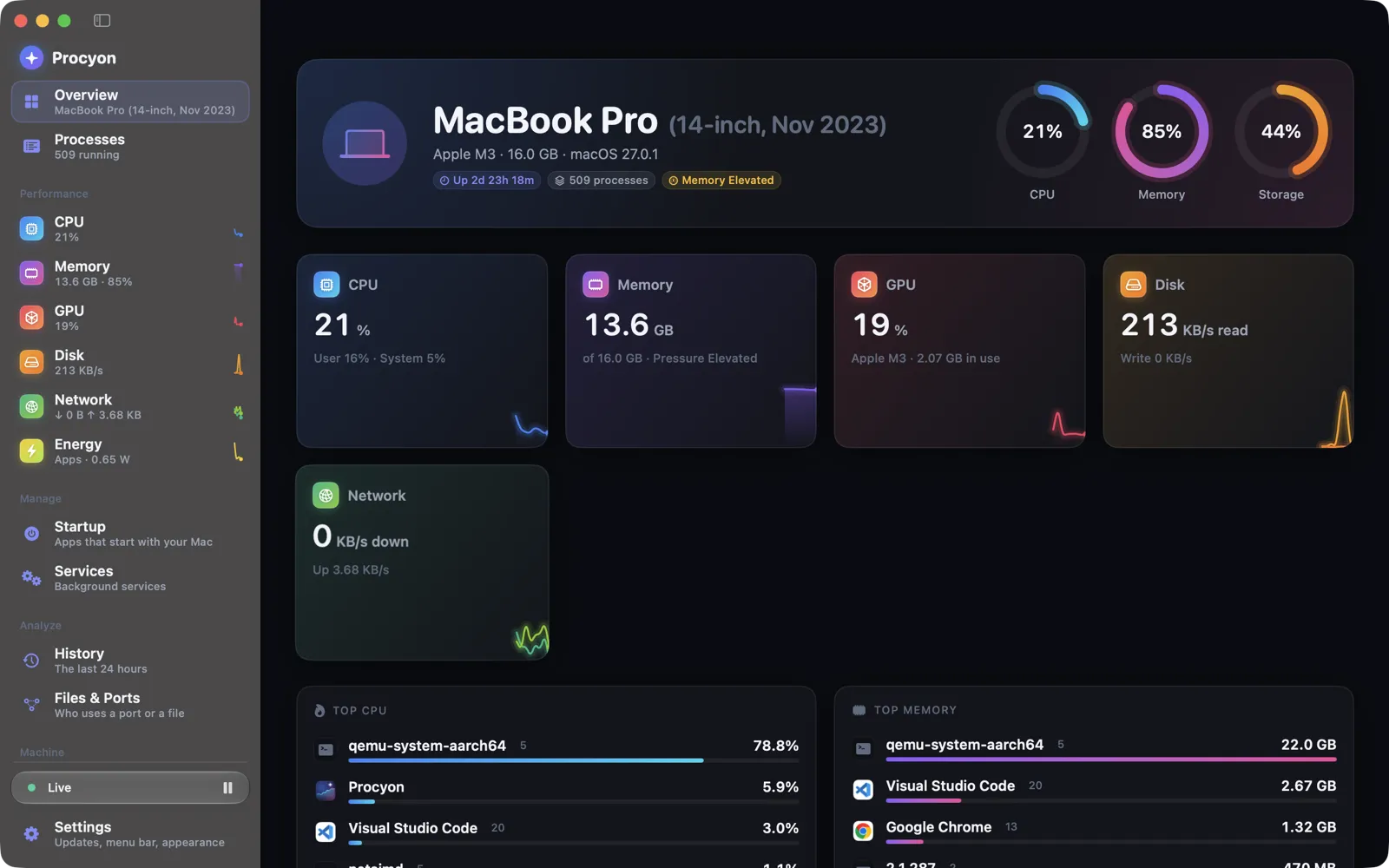

Procyon
A lightweight, open-source task manager for macOS, Windows and Linux.
macOS · Windows · Linux
Learn more
Chatnest
Zalo Web and Facebook in one window: quick replies, send-later, auto-reply, bulk sends and scheduled group posts.
Windows · macOS
Learn more Coming soon
Sweepback
Clean up disk space on Windows and macOS, and undo any cleanup from a built-in recovery vault.
Windows · macOS
Learn more