Keep Awake
Keep your PC awake, for as long as you choose.
Get notified when Keep Awake launches
Leave your email and we will send one message on launch day. No spam, unsubscribe any time.
About Keep Awake
A tiny Windows tray app that stops your PC from going to sleep while you download, present, render or build, then lets it sleep normally again.
Keep Awake uses the standard Windows power request, the same one video players use, so there are no fake mouse moves or key presses. When you switch it off or quit, your normal sleep settings apply again immediately.
Try it free for 7 days, then unlock it with a one-time purchase in the Microsoft Store. No account, no ads, no data collection.
- Category
- App
- Platforms
- Windows
- Price
- Free 7-day trial, then $1.99 one-time
- Latest version
- 1.0.0
- Requirements
- Windows 10 version 1809 or later, x64
Features
What Keep Awake does.
One click from the tray
Left-click the cup icon to switch on or off; the icon shows the current state.
Timer
Stay awake until you turn it off, or for 30 minutes up to 8 hours.
Screen on, if you want
Optionally keep the display on too, for presentations and dashboards.
No simulated input
A Windows power request, visible in powercfg /requests, cleared the moment the app stops.
More from Bitfaring
Other apps.
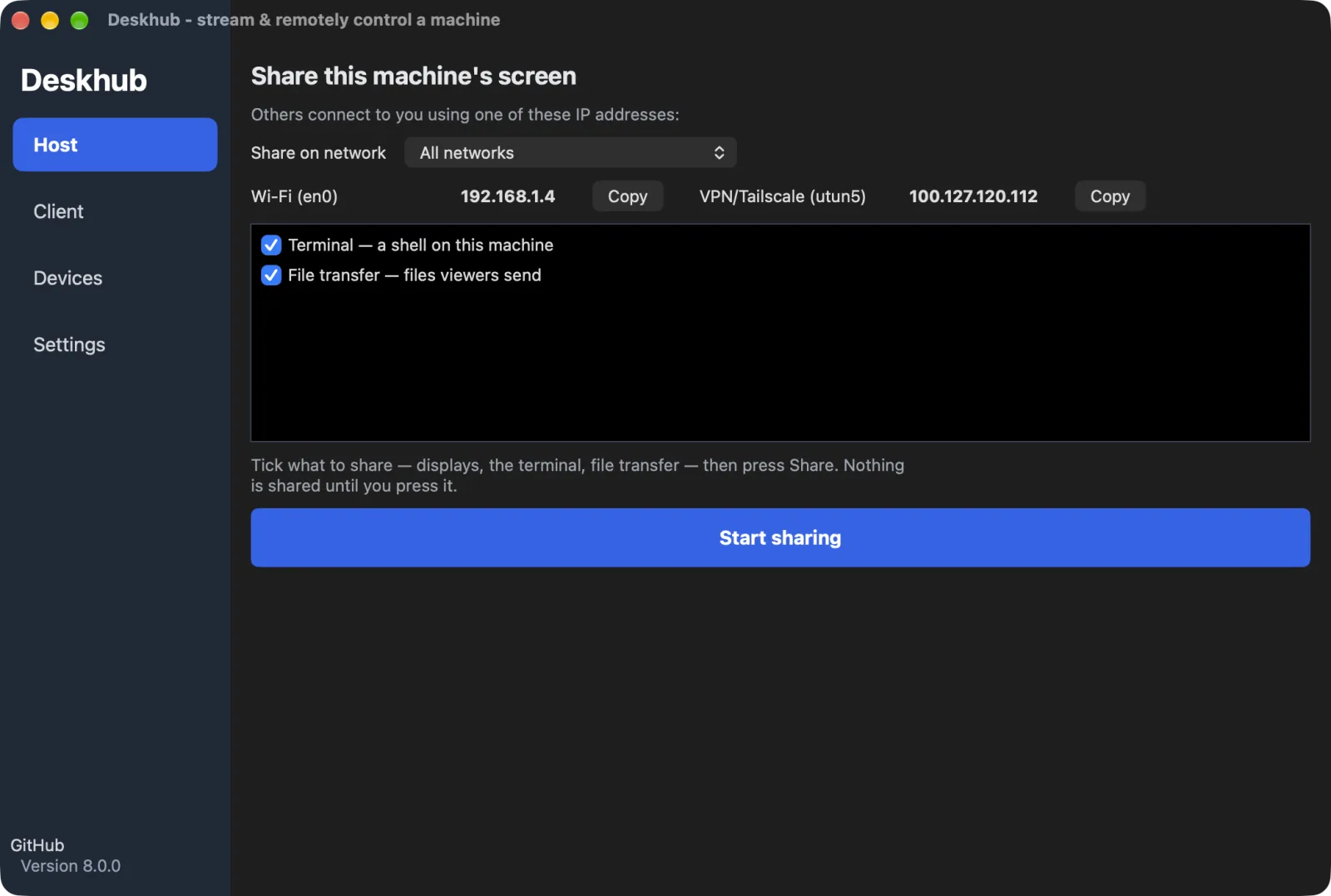

Deskhub
Open-source remote desktop for every platform you own.
Windows · macOS · Linux · Android · iOS
Learn more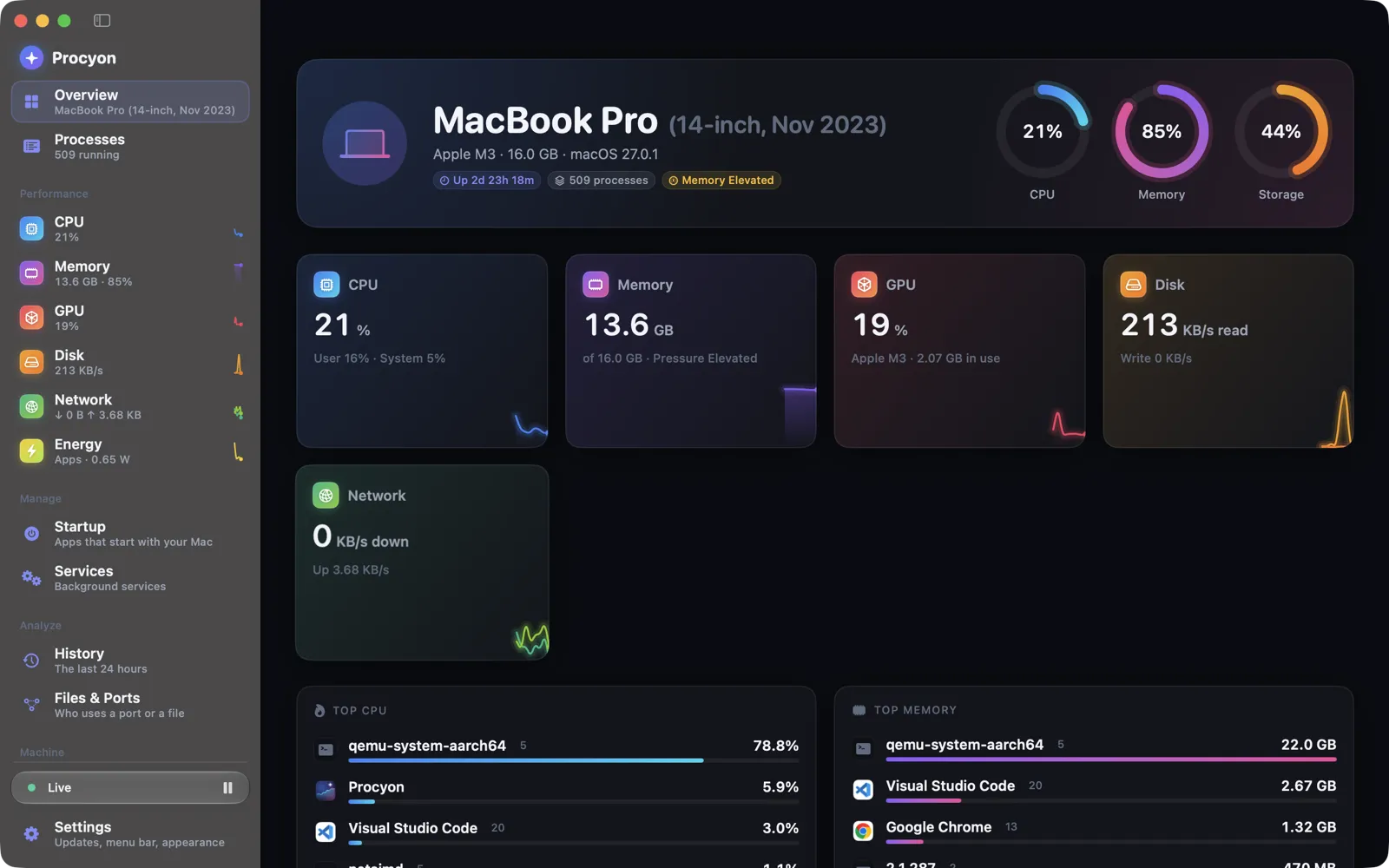
Procyon
A lightweight, open-source task manager for macOS, Windows and Linux.
macOS · Windows · Linux
Learn more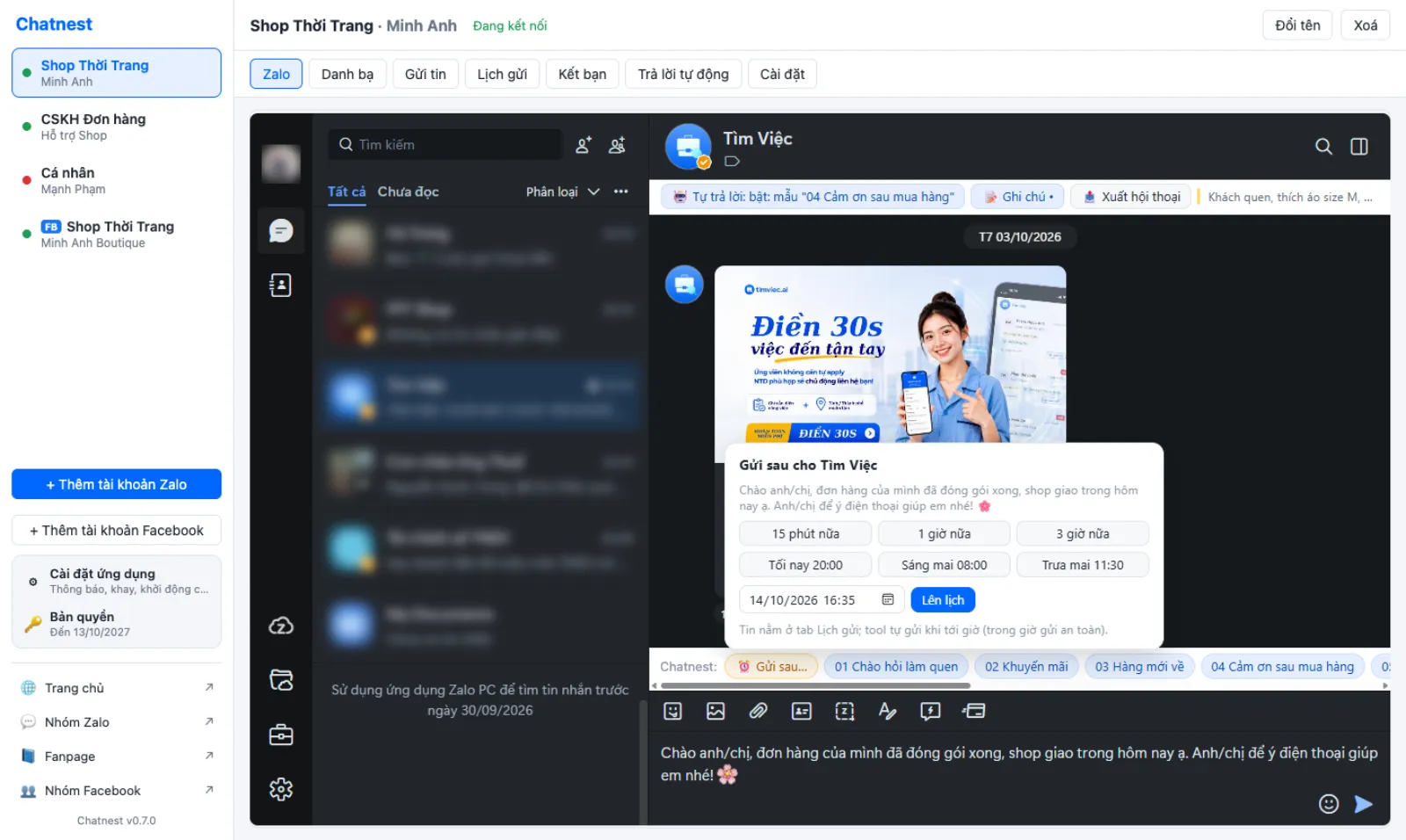
Chatnest
Zalo Web and Facebook in one window: quick replies, send-later, auto-reply, bulk sends and scheduled group posts.
Windows · macOS
Learn more