AgentTerm
A native Mac terminal for AI coding agents, with an iPhone remote.
Get notified about the stable release
AgentTerm is in beta. Leave your email to hear when the stable version is out.
About AgentTerm
Run Claude Code, Codex, Antigravity and GitHub Copilot CLI on your Mac. AgentTerm gives them shells and a browser you can watch, and lets you steer the same sessions from your iPhone.
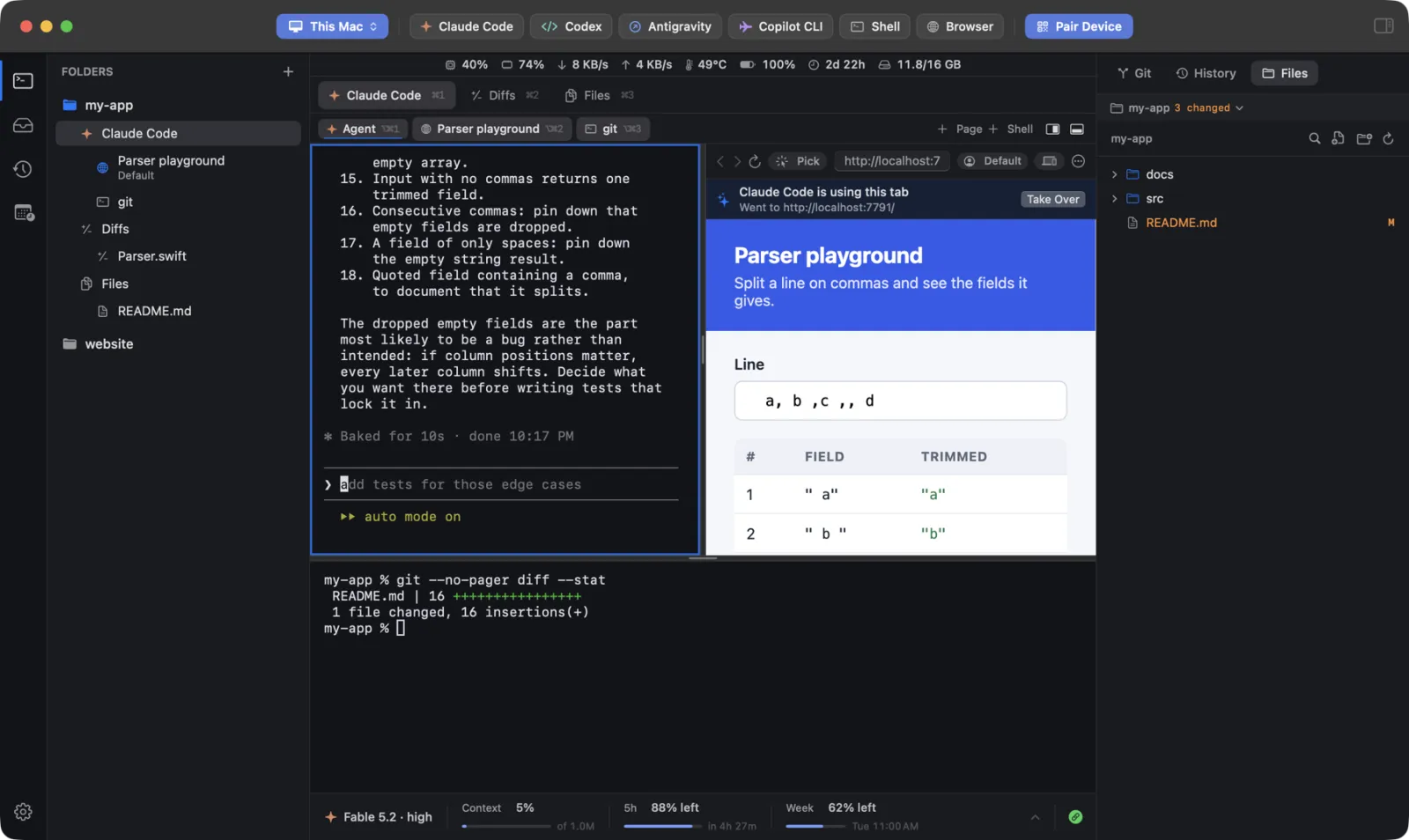
AgentTerm runs each agent in a real terminal owned by a small host program on your Mac, so sessions keep running when the window is closed, and your iPhone reaches them over Tailscale. The agents work in the open: the shells they run commands in and the pages they browse are tabs you can see, use and take over.
AgentTerm is in beta. Use the same version of the Mac and iPhone apps.
- Category
- Developer tool
- Platforms
- macOS, iOS
- Price
- Free during beta
- Requirements
- macOS 14 or later, Apple silicon
- iOS 17 or later
- At least one agent CLI installed
Features
What AgentTerm does.
Every agent, one click
Starts any of the four agent CLIs installed on your Mac in a real terminal, in a project folder or a new Git worktree.
Sessions that keep running
Close the window or quit the app; they are still there, and the app can stay in the menu bar.
What each agent is doing
Working, asking, waiting for permission or done, with its model, context and what your account has left.
Schedules and handoff
Start an agent with a prompt at a time or on repeat, and pass work to another agent when one runs out of quota.
A browser agents can use
A built-in MCP server and Chromium browser: agents open shells and pages in tabs you can watch and take over.
Git, files and history
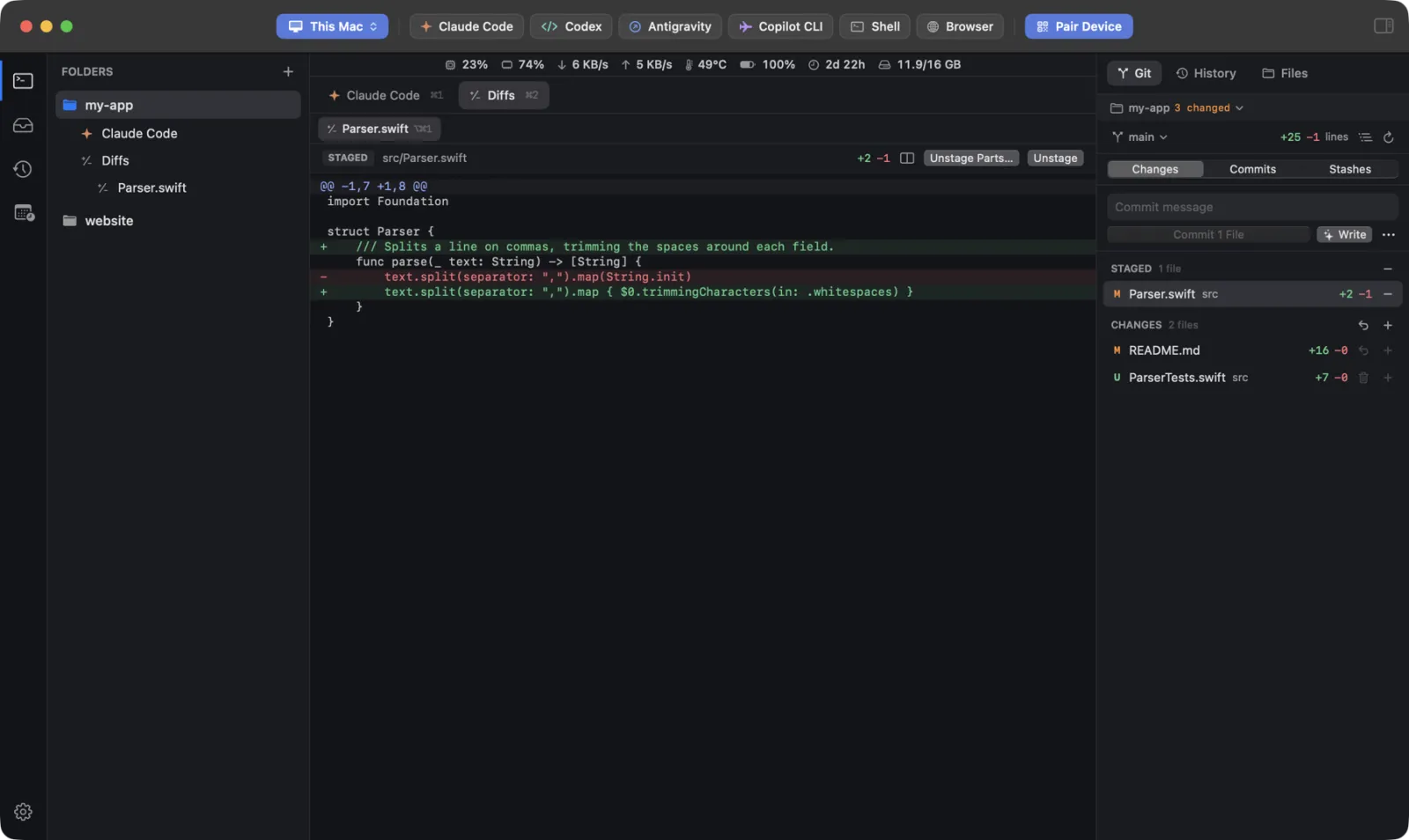
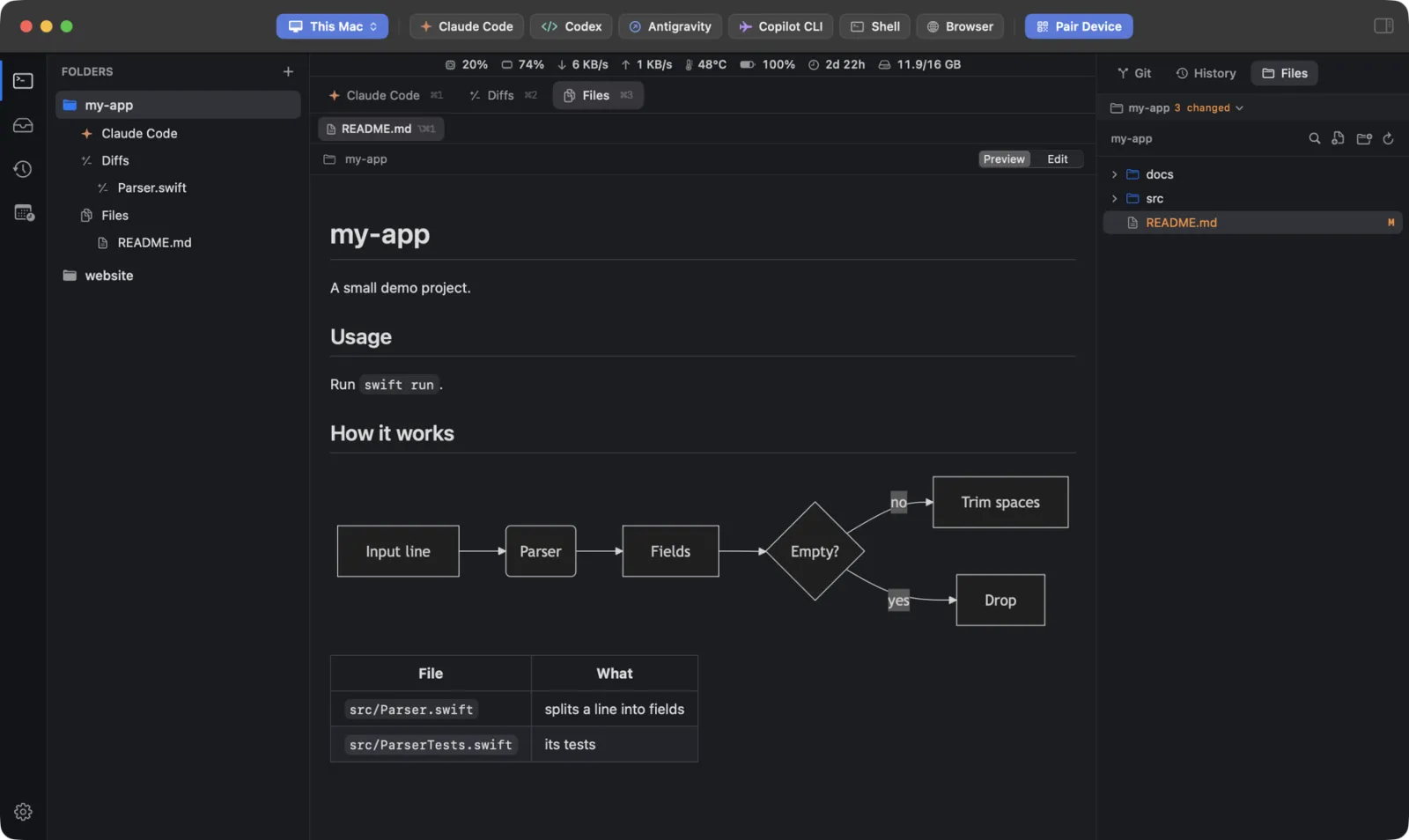
Stage, commit, push and pull, edit files, preview Markdown and resume a past conversation next to the terminal.
Inbox and notifications
What agents asked and finished, on the Mac and iPhone at once, with a Live Activity on the lock screen.
iPhone remote
Pair with a QR code and get the same sessions, folders, Git, files, browser pages, schedules and usage on your phone.
Screenshots
See it in action.